Verbatim

Ultimate Guide to Portable Monitors

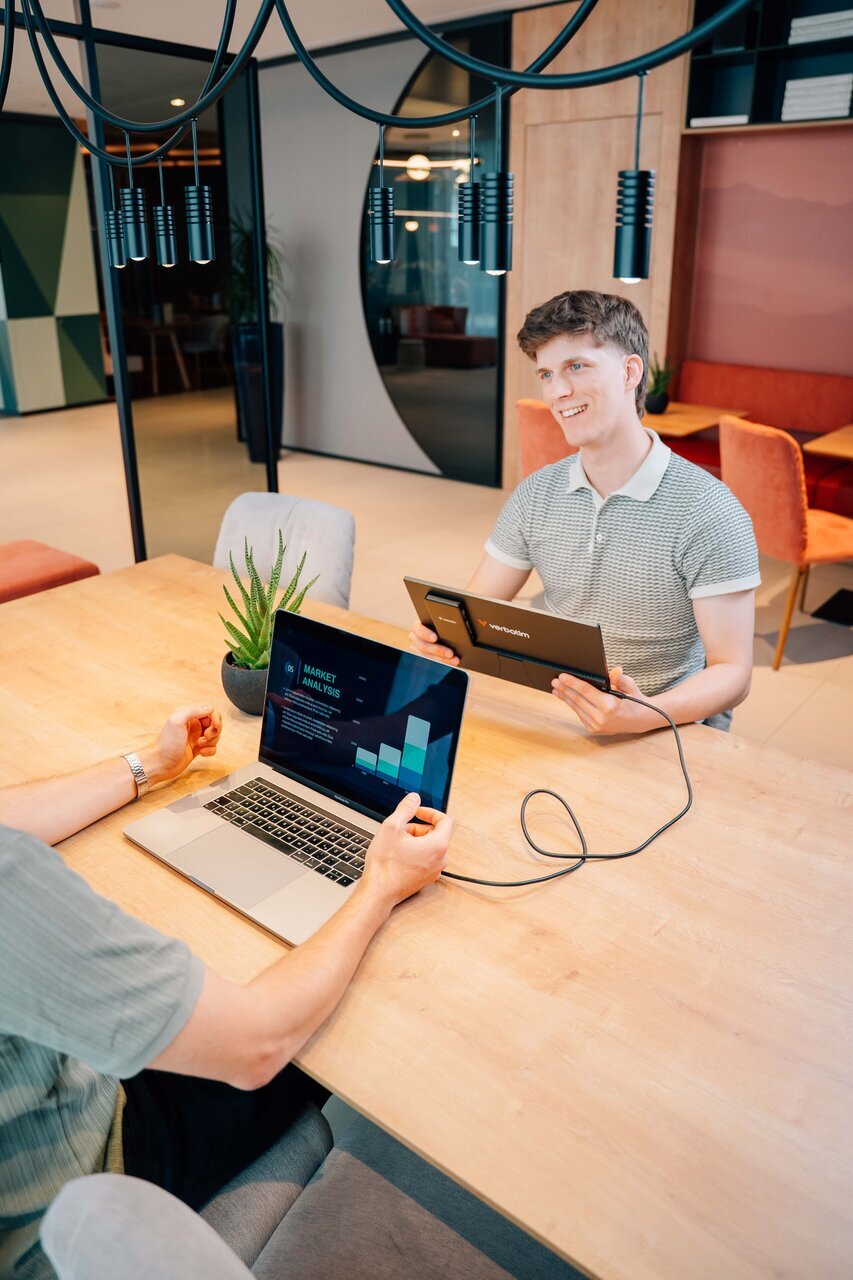
Verbatim Lifestyle Pictures Shooting May 2025 Portable Monitors 32087 Df 8

The Ultimate Guide to Portable Monitors: Everything You Need to Know Before You Buy

Whether you're a remote worker juggling back-to-back video calls, a student who needs a second screen in the library, or a frequent traveller who refuses to work on a single laptop panel, a portable monitor can genuinely change how you work. The market has grown a lot in recent years and so has the range of features on offer. This guide covers what portable monitors are, what specs matter, what to look for when buying, and how the current Verbatim range breaks down to help you find the right fit.

What is a portable monitor?

A portable monitor is a secondary display designed to be carried with a laptop or other device. Unlike a desktop monitor, it's slim, lightweight, and connects without a power brick or complicated setup. Most use USB-C or HDMI to receive both video signal and power from a connected device, meaning you can plug in a single cable and have a second screen running in seconds.

They're used across a wide range of scenarios: extending a laptop's workspace at a cafe, setting up a dual-screen station in a hotel room, connecting to a smartphone or gaming console on the go, or adding screen real estate at a hot desk or client site.

May 2025 Portable Monitors 32087 Df 5 Cropped

Who actually uses portable monitors?

Portable monitors aren't a niche product. The more common use cases include:

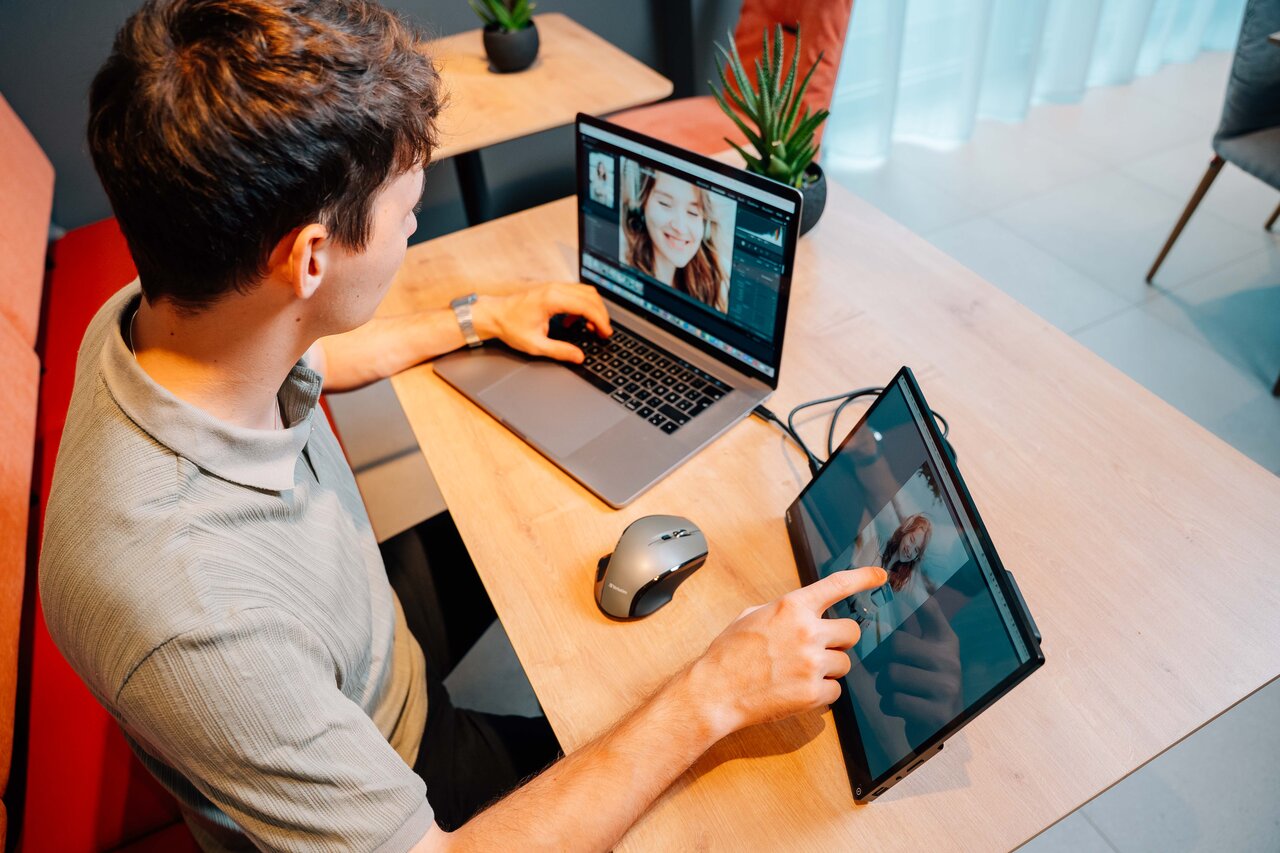
Remote workers and digital nomads. A single laptop screen is a real productivity limiter when you're context-switching between documents, spreadsheets, email, and video calls. A portable monitor recreates the dual-screen setup you'd have in a fixed office, without needing to lug a second laptop.

Students. Research on one screen, writing on another. It's a straightforward workflow that's harder to replicate on a single 13" or 14" panel.

Frequent travellers. Business travellers in particular benefit from a screen they can drop on a hotel desk without any fuss. Cable goes in, monitor stands up, work starts.

Creatives and designers. Having a dedicated screen for reference images, client briefs, or design tools while editing on a main display is a practical advantage.

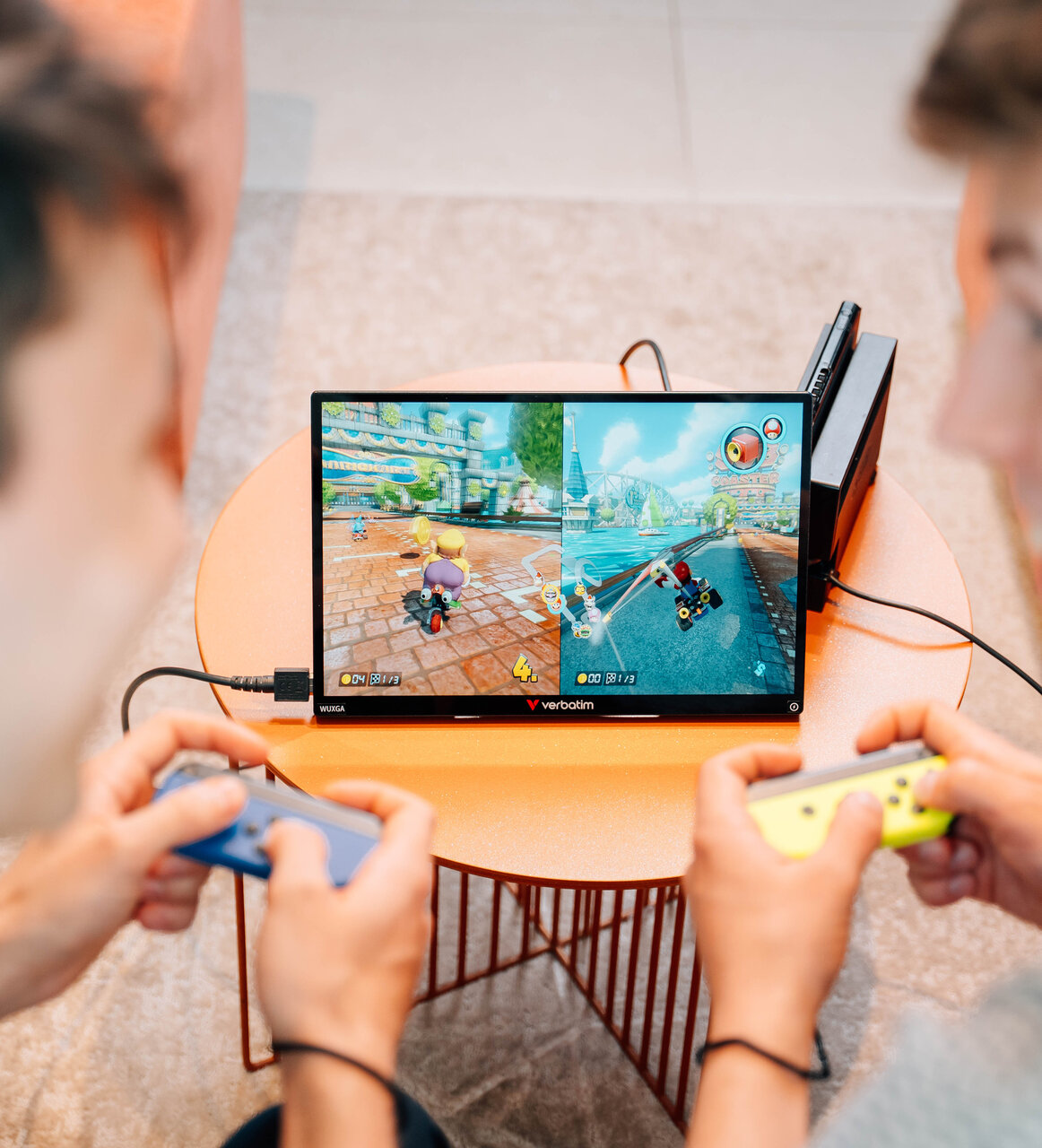
Gamers. Portable monitors connect to gaming consoles like the Nintendo Switch, PlayStation Portable, or Steam Deck to provide a larger display than the device's own screen.

Educators and trainers. A touchscreen portable monitor doubles as a presentation or annotation surface in small-group settings.

Key specs explained

Before looking at specific models, it helps to understand what the main specs mean in practice.

Screen size

Portable monitors typically range from around 13" to 17". Smaller screens are easier to carry but offer less workspace. In the 13-15" range, you're balancing portability with usability well. Anything above 15" starts to feel more like a compact desktop monitor and less like something you'd pull out at a coffee shop.

Resolution

Resolution determines how sharp and detailed the image looks. The most common options in portable monitors are:

  • Full HD (FHD) / 1920 x 1080: The standard for most portable monitors. Crisp enough for everyday use, productivity, and streaming.

  • WUXGA / 1920 x 1200: A step up that adds extra vertical pixels. The 16:10 aspect ratio means more usable screen height, which is particularly useful when reading documents, browsing web pages, or working in spreadsheets without constantly scrolling.

  • 4K / 3840 x 2160: Available at the higher end of the market. Noticeably sharper, but heavier on battery and typically found in heavier, pricier units.

Panel type: IPS vs TN vs OLED 

  • IPS (In-Plane Switching): The most common panel type in quality portable monitors. IPS panels deliver accurate colours and wide viewing angles (typically 178 degrees both ways), meaning the image stays consistent when you're not looking dead-on. Good for shared viewing and colour-sensitive work.

  • TN (Twisted Nematic): Faster response times but narrower viewing angles and weaker colour accuracy. Less common in modern portable monitors.

  • OLED: Exceptional contrast and colour, but rare in portable monitors and significantly more expensive.

Most portable monitors worth recommending use IPS panels.

Aspect ratio

Most monitors use 16:9 (widescreen standard). A 16:10 ratio adds about 11% extra height, which sounds minor but makes a meaningful difference in document-heavy workflows.

Brightness

Measured in candelas per square metre (cd/m2 or nits). For indoor use, 200-300 nits is generally sufficient. If you're regularly working near a bright window or outdoors, look for 400 nits or higher.

Touchscreen

Some portable monitors include a touchscreen, typically a capacitive multi-touch panel supporting 10 touch points. This is particularly useful for annotation, navigation, and creative work. Touchscreen functionality is generally not supported when connected to iOS/iPadOS devices.

Connectivity

The main connection types to look for:

  • USB-C (full-featured): Carries video, audio, and power in a single cable. This is the most convenient setup and requires a USB-C port on your laptop that supports DisplayPort Alt Mode (most modern laptops do). Note that the cable matters: a basic USB-C charging cable usually won't carry video. You need a cable rated to at least USB 3.2 Gen 2x1 (10 Gbit/s) or higher, such as a Thunderbolt 3/4 or USB4 cable.

  • HDMI: Widely compatible but doesn't carry power, so you'll need a separate power source for the monitor.

  • USB-A: Useful for adding a USB port to your monitor setup or for connecting to older devices.

Weight

This one matters more than people expect. The difference between a 550g and a 950g monitor is noticeable when it's in your bag every day. If you're travelling light, weight should be high on your priority list.

Built-in speaker

Not always present, and the quality varies. For video calls and casual video playback, a built-in speaker removes the need for headphones or external audio. For serious audio work, you'd use dedicated equipment regardless.

Power: the most overlooked spec

How a portable monitor gets its power is one of the most practically important things to understand before buying.

USB-C powered: Most portable monitors draw their power directly from the connected device via USB-C - the same cable that carries the video and audio signal. This works well with laptops, but it comes with a trade-off: the monitor is adding to the power demand on your host device, which means your laptop or tablet battery depletes faster than it would otherwise. On smartphones, gaming handhelds, and some older or lower-powered laptops, the device may not output enough power through USB-C to run a monitor reliably at all, and you may see the screen dim, flicker, or fail to turn on.

HDMI + separate power: HDMI carries video but not power. If you're connecting via HDMI, the monitor needs a separate power source - typically via a USB-A to USB-C cable connected to a wall adapter or power bank. Practical at a hotel desk, less convenient when there's nowhere to plug in.

Paired with an external power bank: Some monitors are paired with a compatible power bank that handles the monitor's power needs independently. This means the monitor isn't drawing from your laptop or phone battery, so your host device lasts significantly longer in use. It's particularly useful for anyone working away from power outlets for extended periods or connecting to devices like smartphones and gaming consoles that struggle to power a monitor on their own. Compatibility between monitors and power banks varies, so check specifications before mixing and matching accessories from different sources.

The Verbatim Portable Monitor range

Verbatim offers a range of portable monitors across different price points, sizes, and feature sets. Here's a rundown of the current lineup available in Europe.

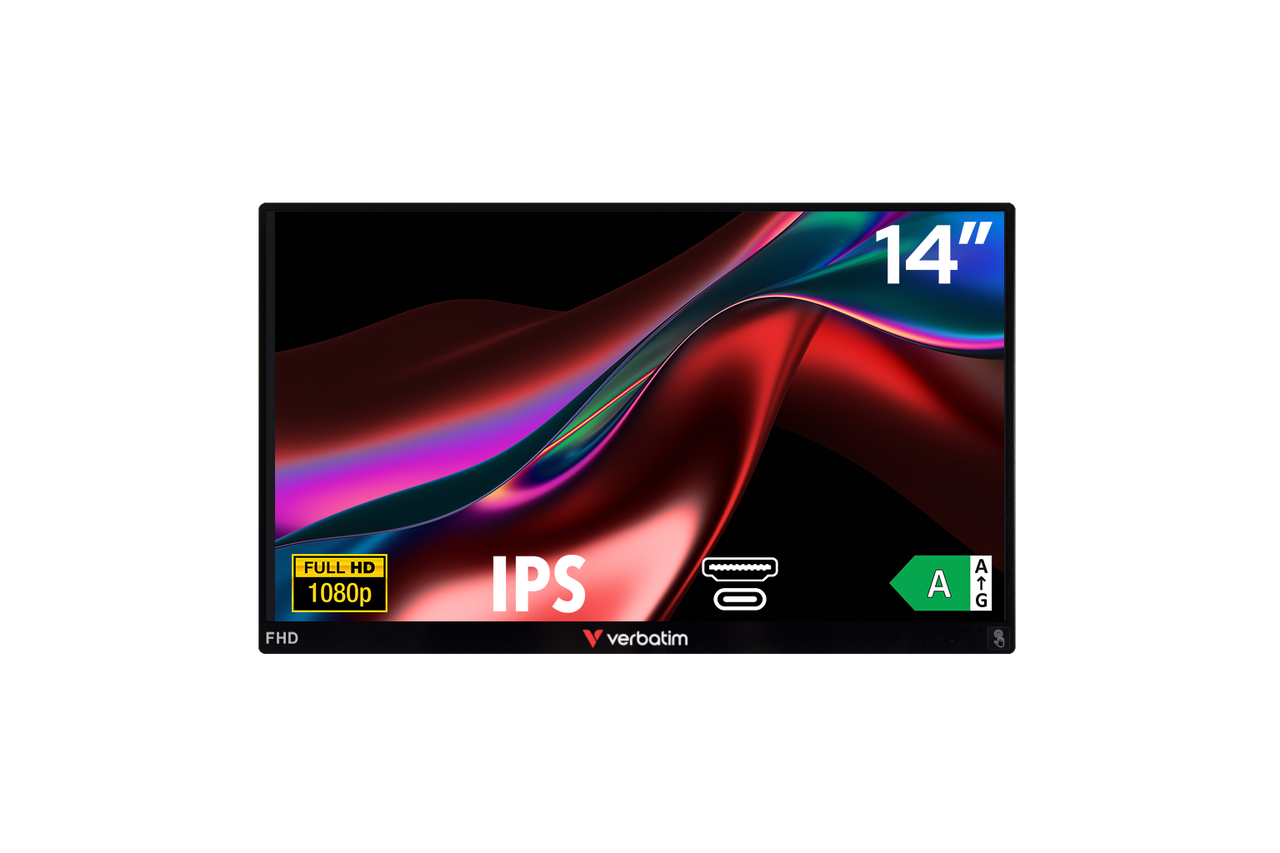
49590 Front Info Bkg Web Slider

Portable Monitor – Light Series

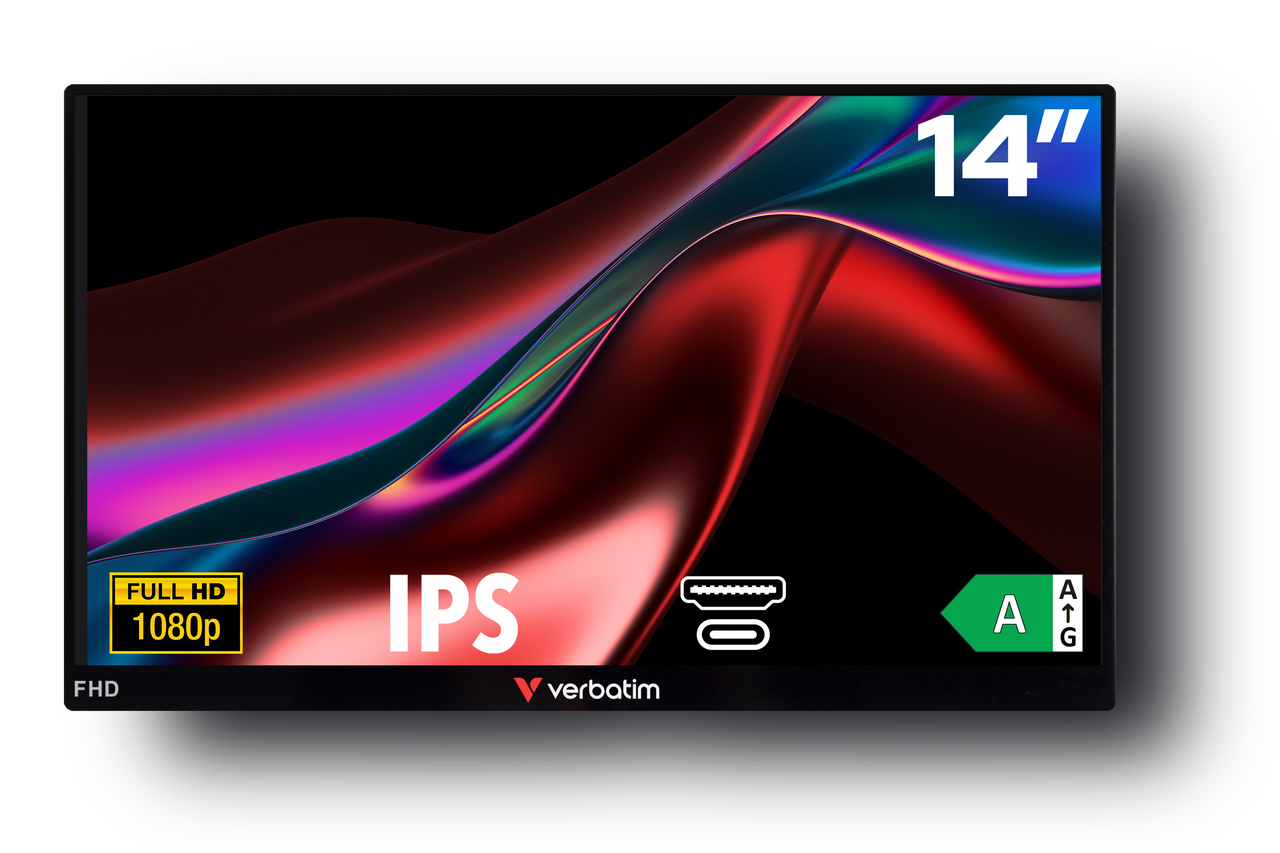
The entry point to the Verbatim portable monitor range. 14" Full HD display, USB-C and HDMI connectivity, no touchscreen. Straightforward, light, reliable, and good value for users who want a second screen without any extras.

Best for: First-time portable monitor buyers, office workers on a budget, and anyone who just needs a solid extra display without added frills.

View Product
32401 Front Back Angled

Portable Monitor – Light Series

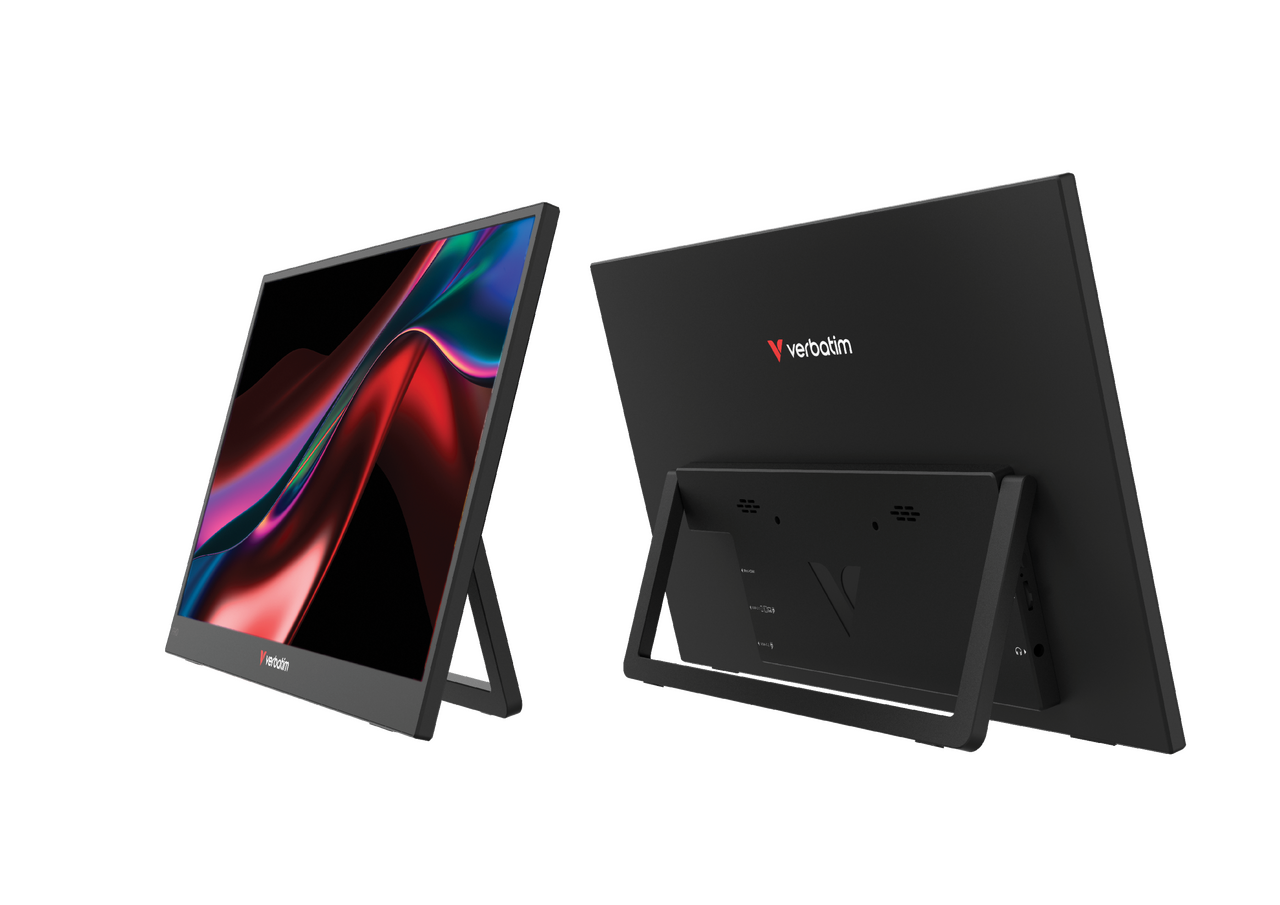
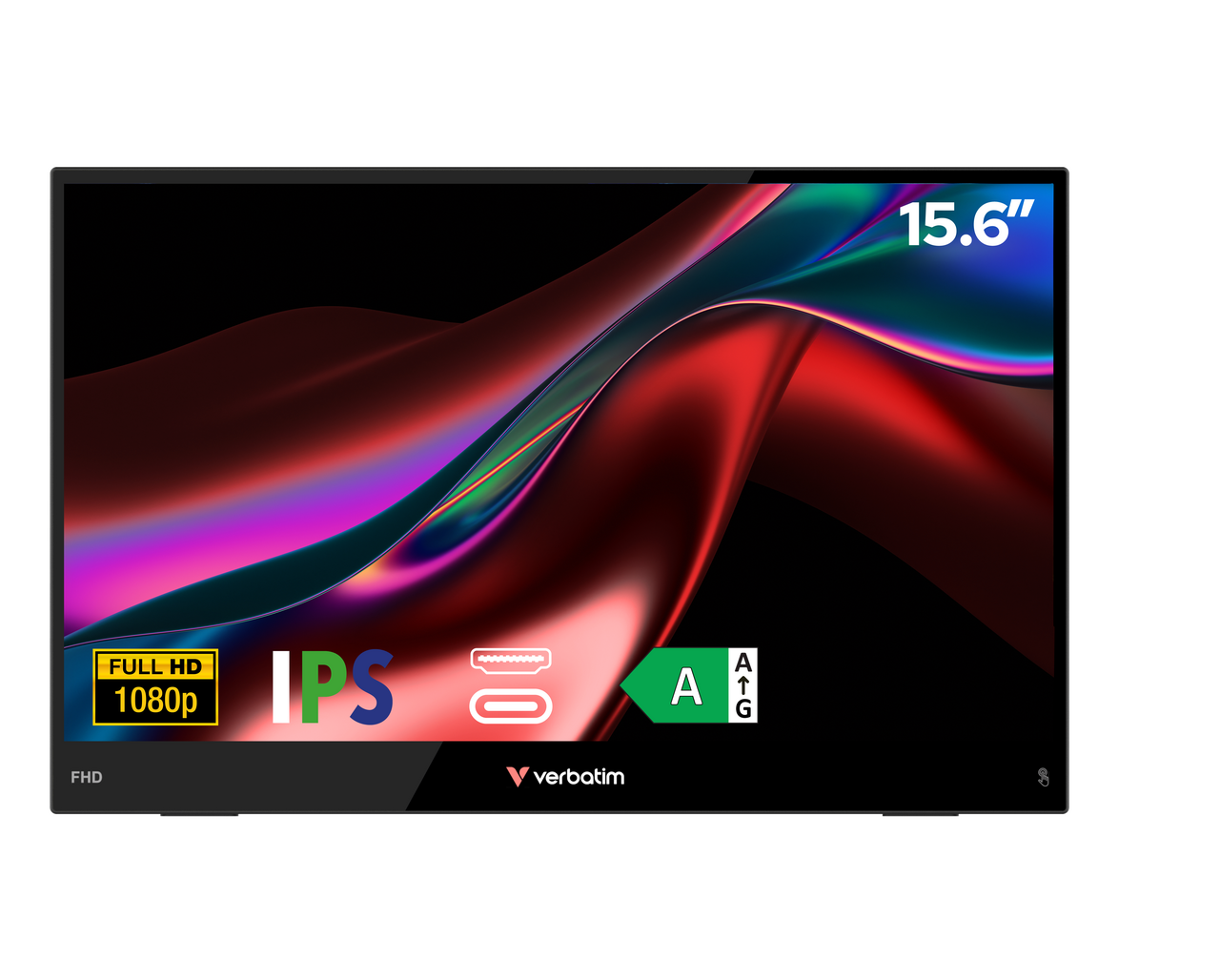
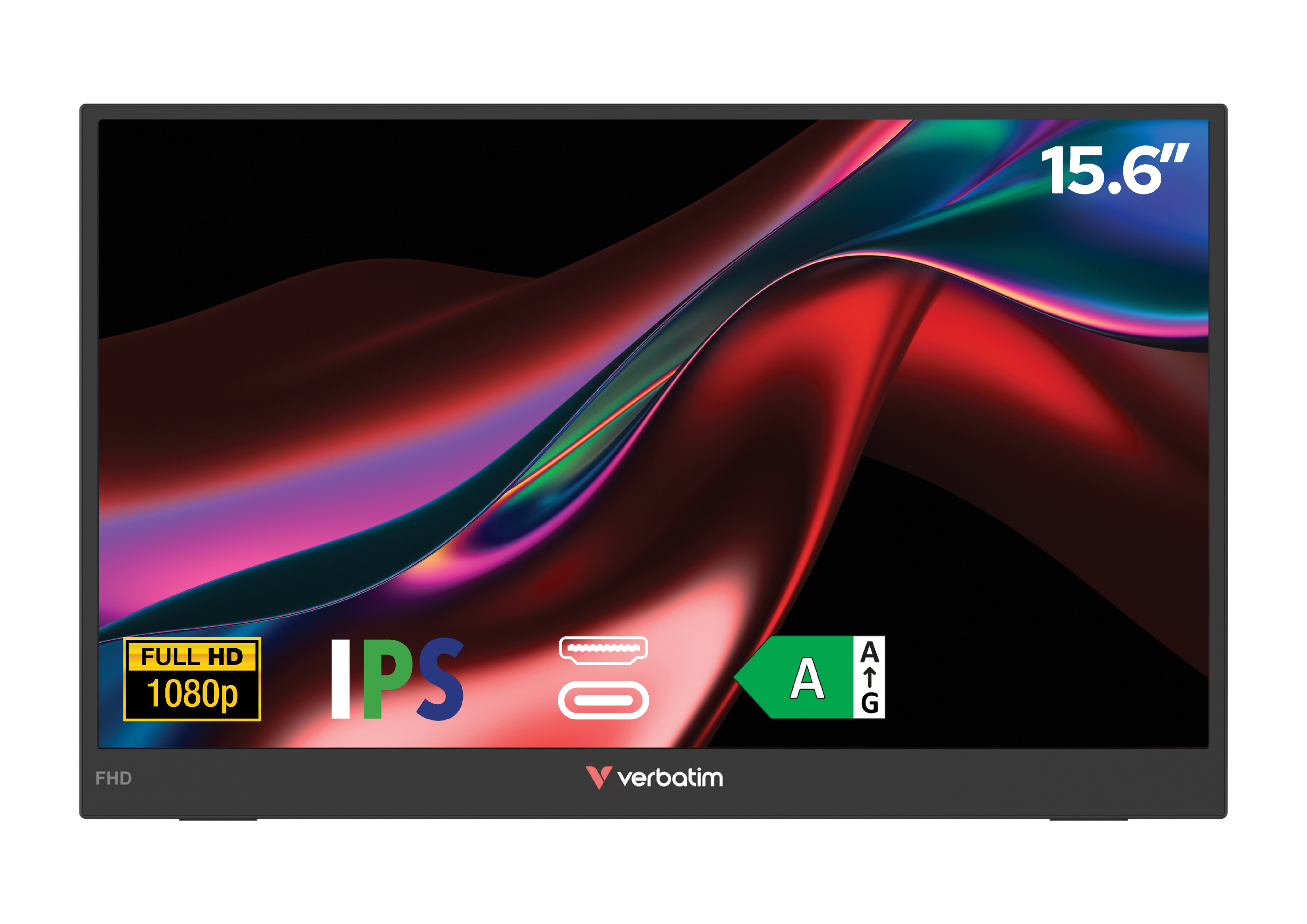
The lightest, most compact option in the range. No touchscreen, but the weight and size of this 15.6" monitor make it the easiest to throw in a bag and forget about until you need it. Ideal for people who travel constantly and want minimal bulk.

Best for: Frequent flyers, minimalist packers, and anyone who prioritises a lighter bag over extra features.

View Product
49593 Front Left Angled Info Bkg Web Slider

Portable Touchscreen Monitors

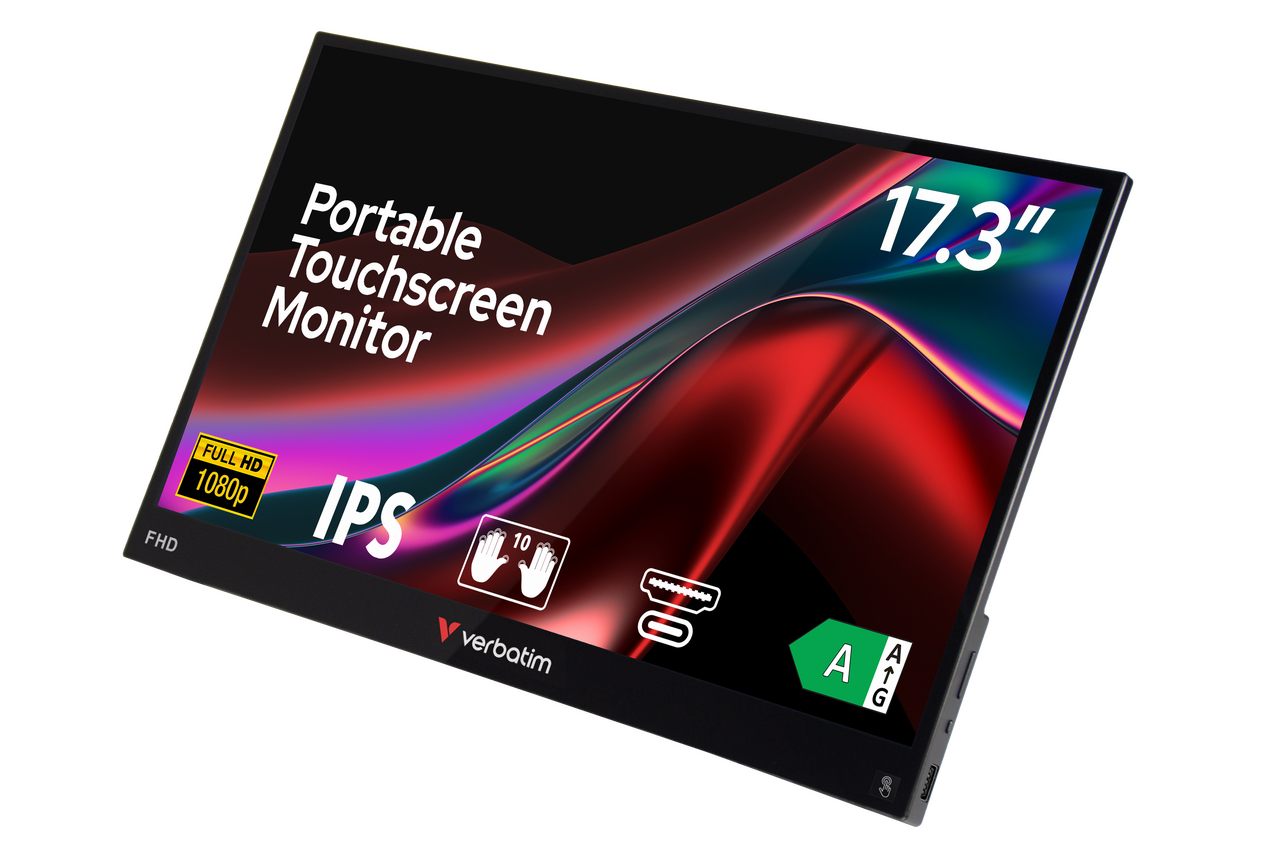
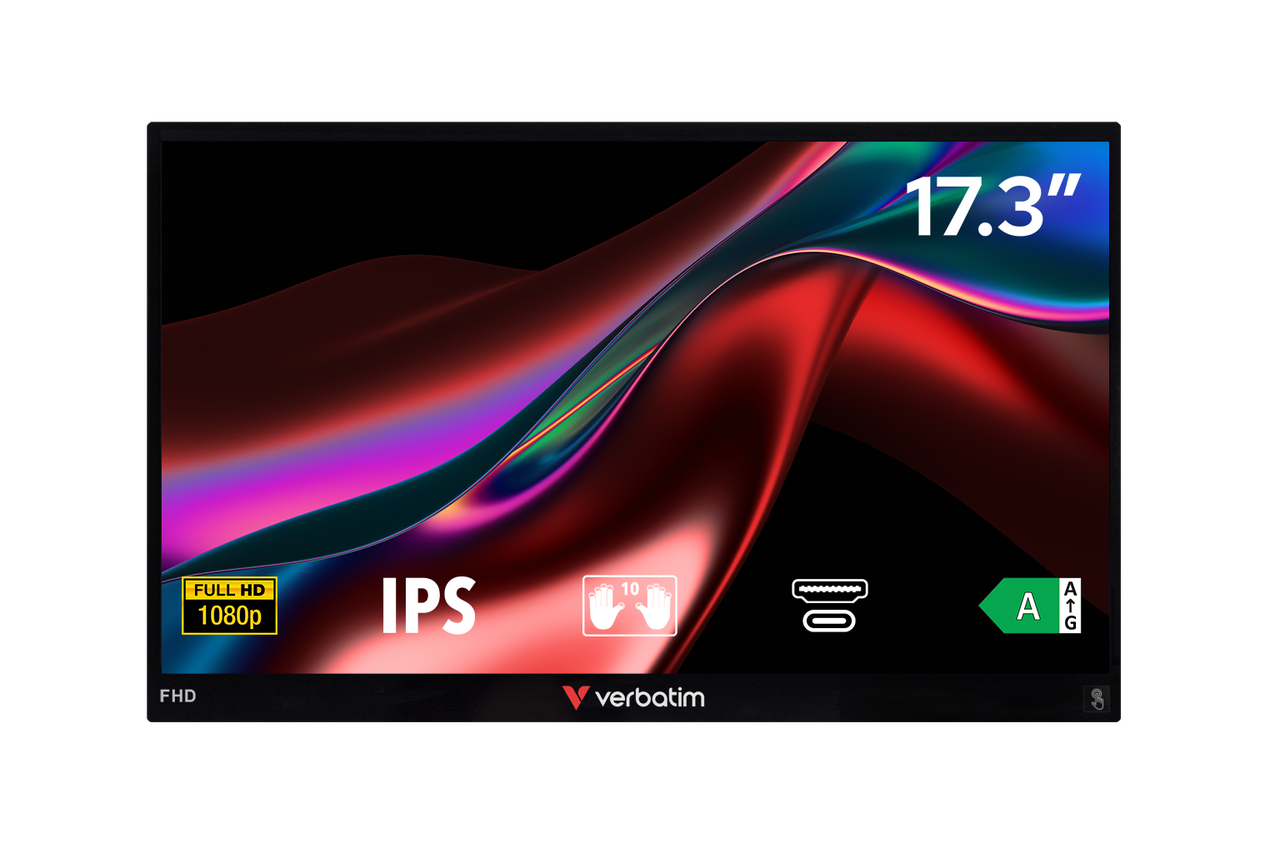
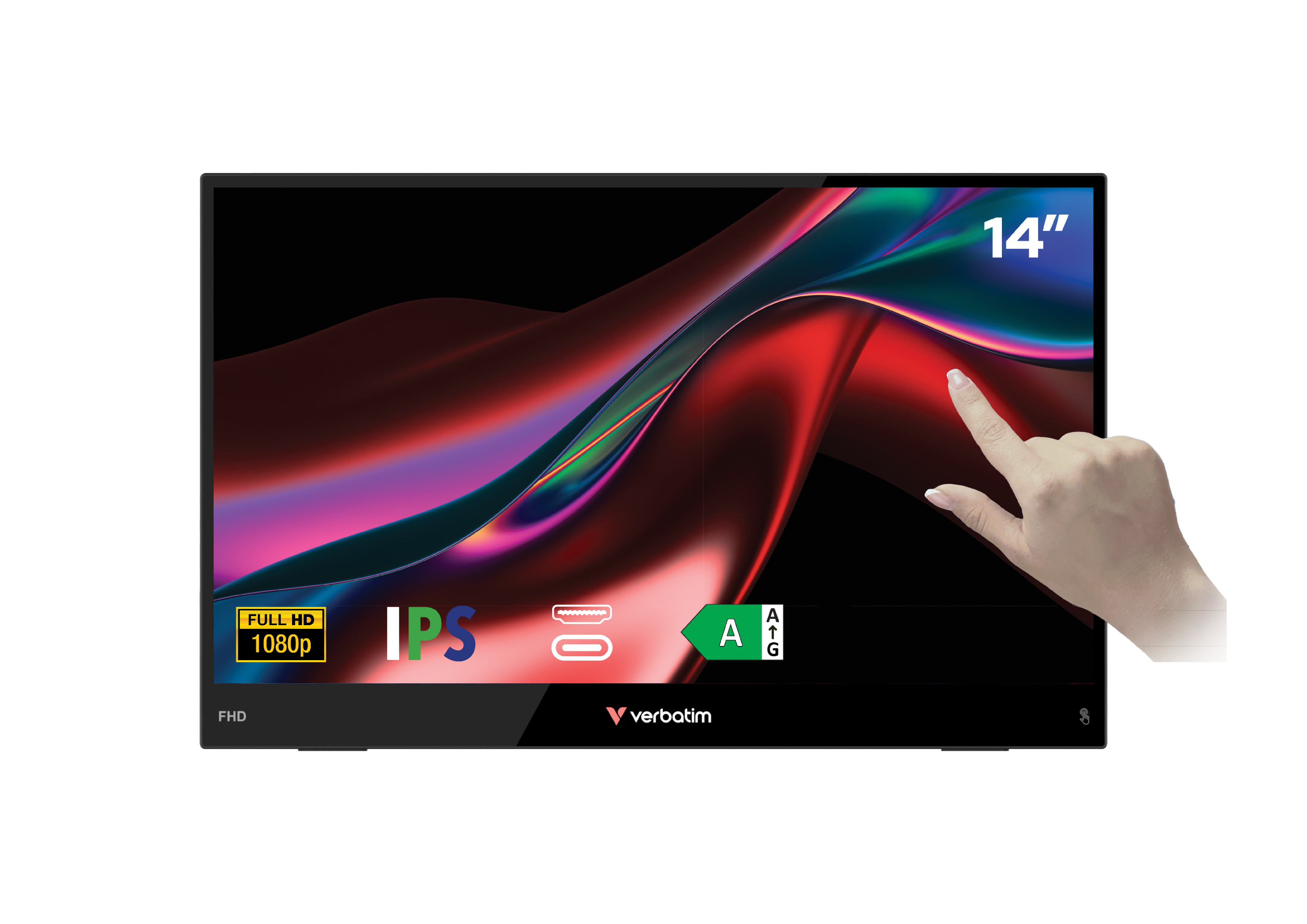
Adds a responsive 10-point touchscreen to the standard portable monitor experience. Useful for anyone who does a lot of annotation, navigation, or presentation work.  Made in a solid aluminium frame and available in three sizes – 14”, 14.6” and 17.3”.

Best for: Educators, trainers, and creatives who want a touch-enabled display at a mid-range price point.

View Product
32402 Front

Portable Touchscreen Monitors – Light Series

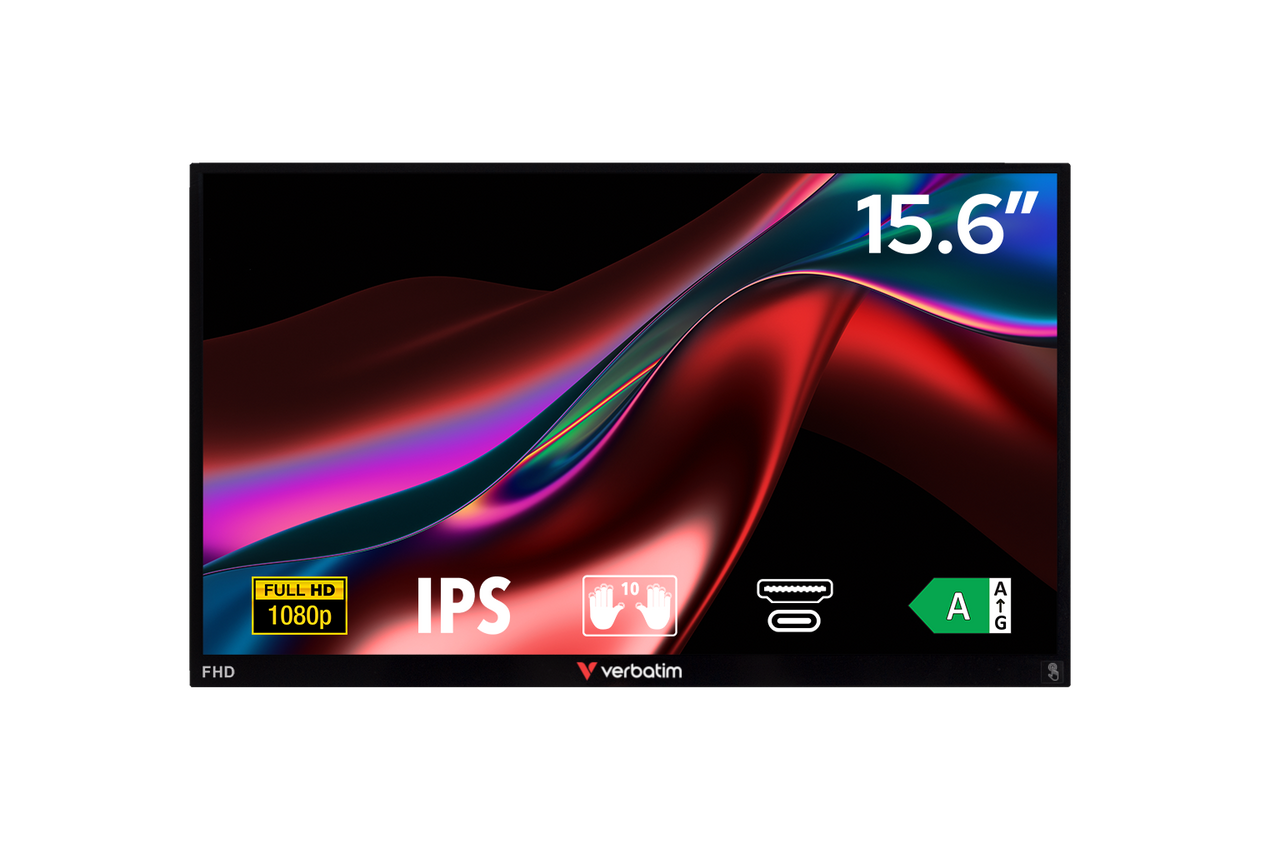
Touch functionality in a lighter, more portable form factor. A solid middle ground between the budget non-touch models and the full-featured wireless charging options. Available in 14" and 15.6" screen sizes.

Best for: Students and remote workers who want touchscreen capability without the extra weight or price of the wireless charging models.

View Product
32403 Left Angled Info Web Slider

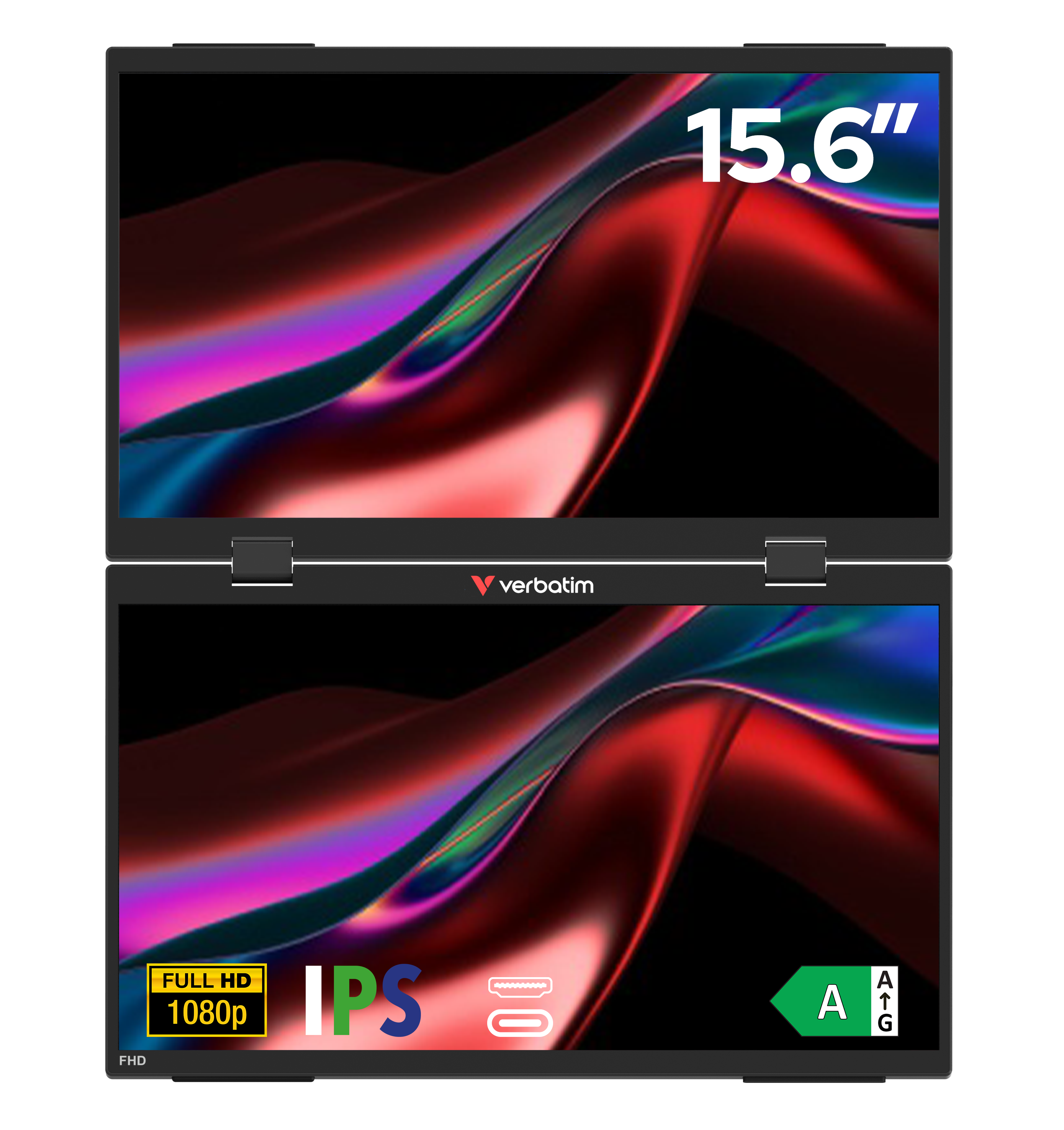
Dual Portable Monitor

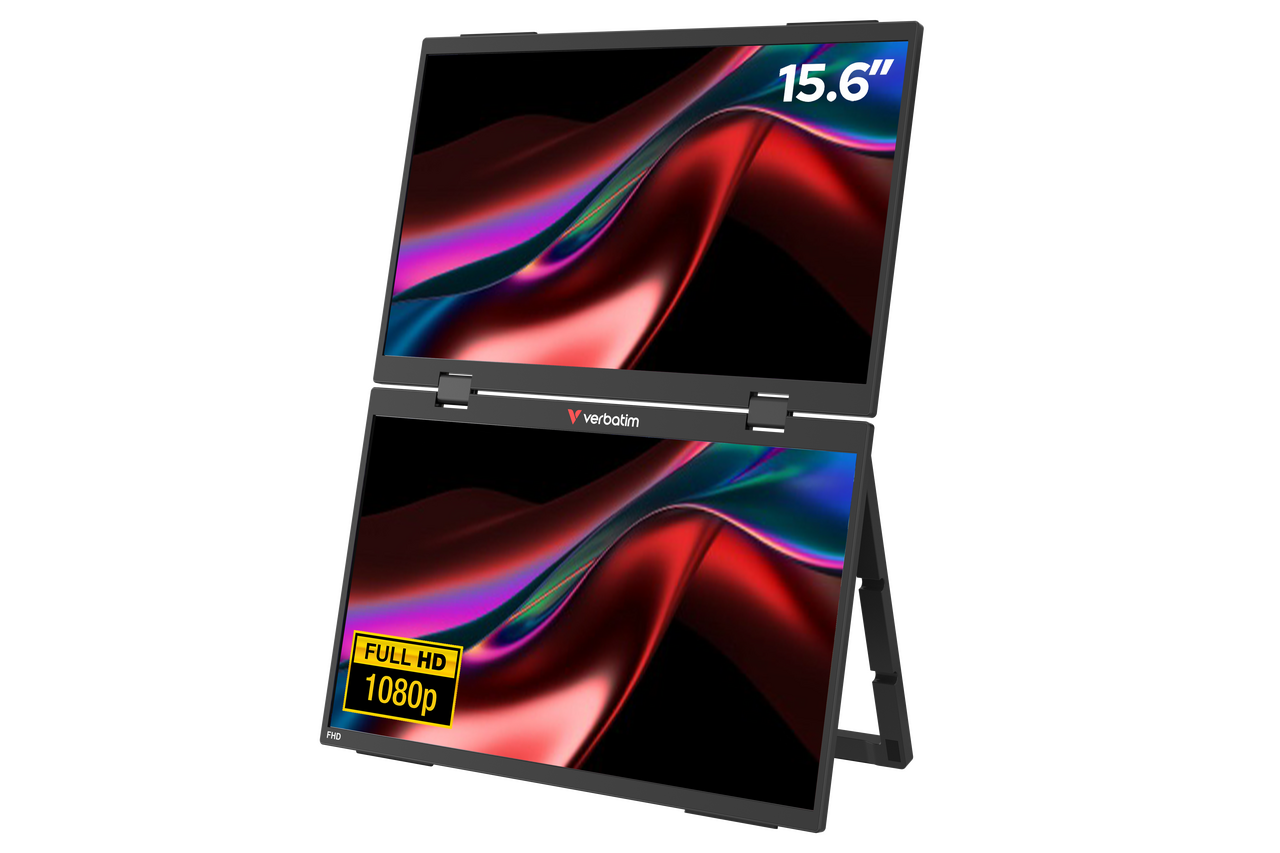
A dual-screen setup in a single unit. Connects to your laptop to give you two additional Full HD 15.6" displays at once. Built for power users who want maximum screen real estate on the road.

Best for: Power users, analysts, developers, and anyone who regularly works across multiple applications and needs two extra screens, not just one.

View Product
32087 Left Angled Wireless Charging Web Slider

Portable Touchscreen Monitor – Wireless Charging

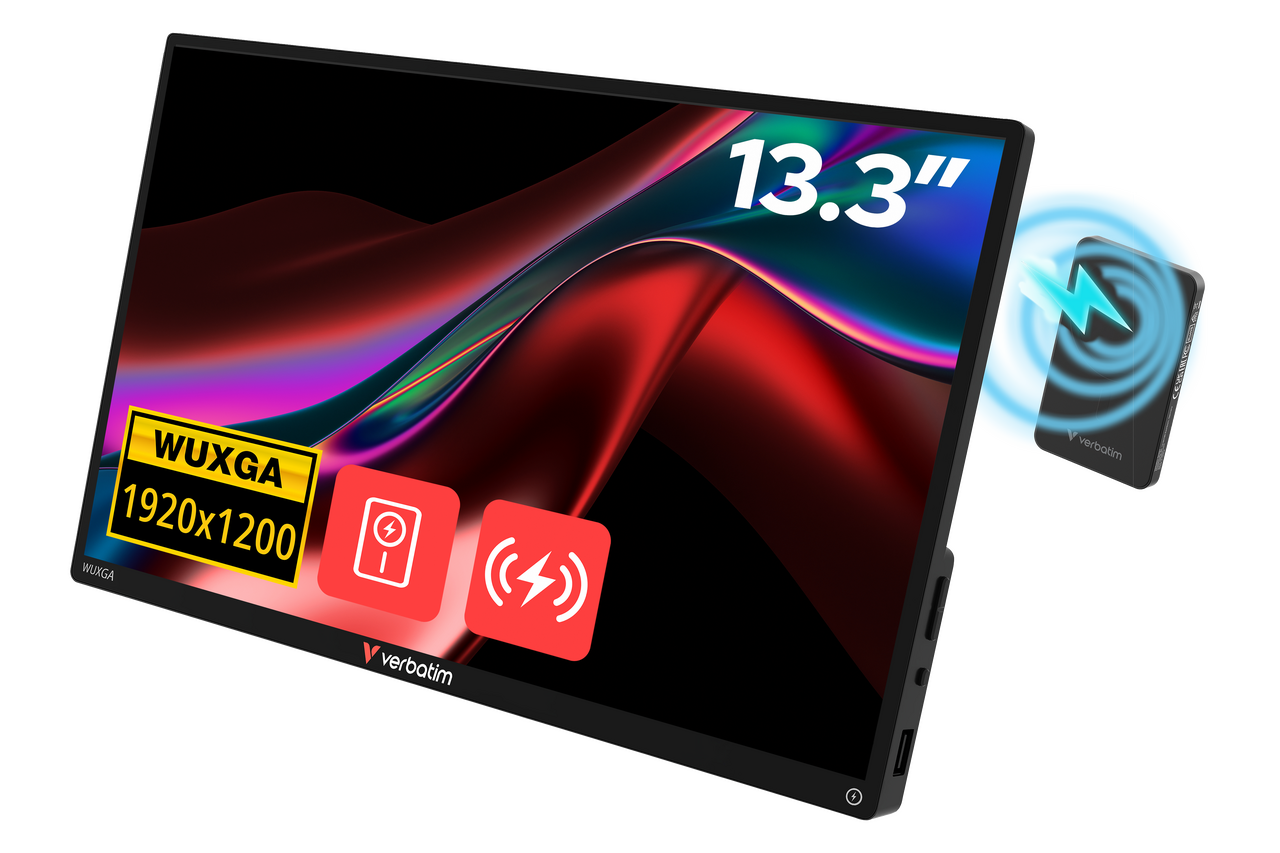
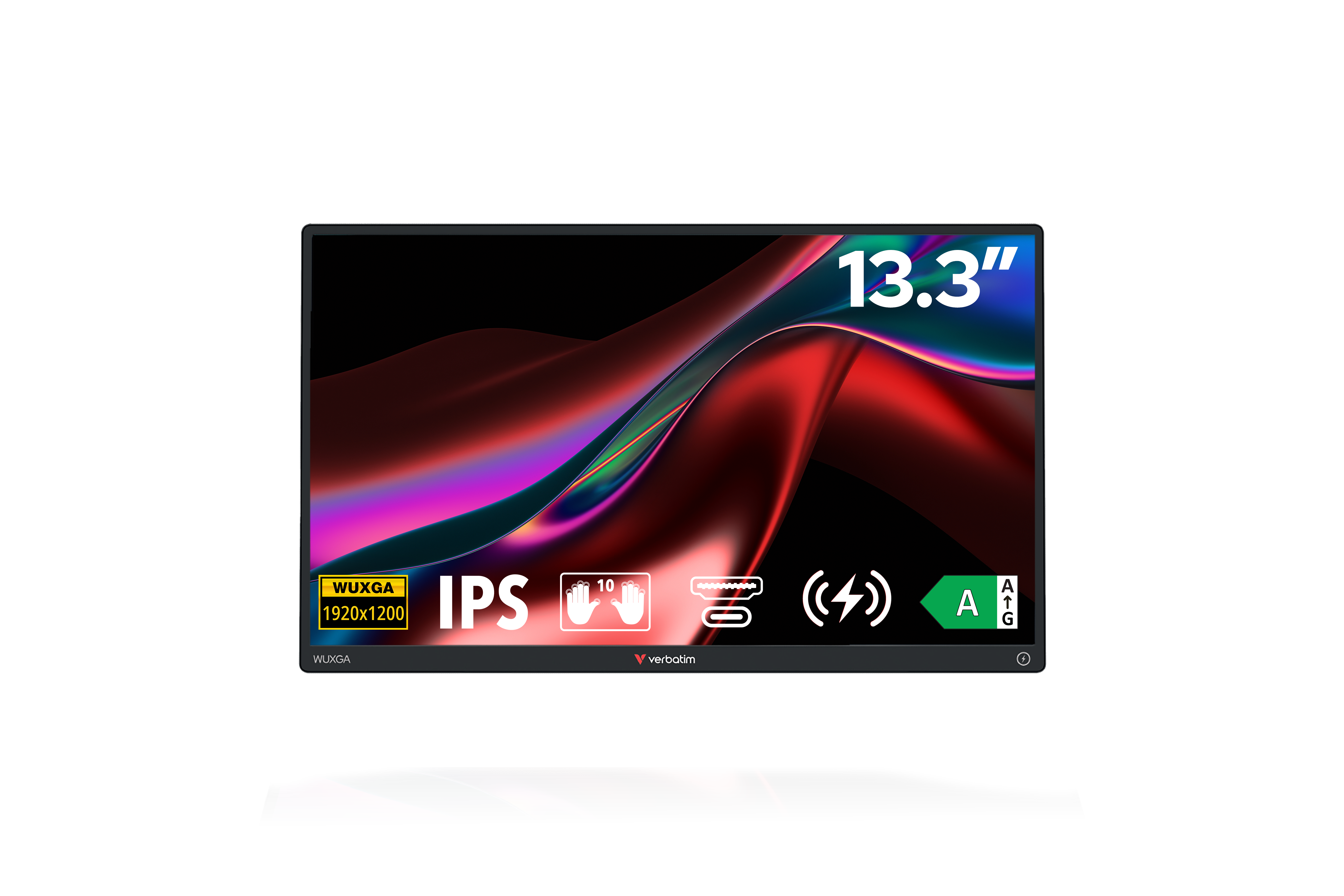
A 13.3" WUXGA (1920 x 1200) touchscreen monitor with an aluminium housing, paired with a magnetic 5000mAh Charge 'n' Go power bank that attaches to the back of the monitor. The 16:10 aspect ratio gives extra screen height for document and spreadsheet work, and the G+G capacitive touchscreen is responsive and durable.

Best for: Professionals and creatives who want the sharpest resolution, a premium aluminium build, and longer working sessions away from a power outlet.

View Product
32088 Left Angled Wireless Charging Web Slider

Portable Touchscreen Monitor Light – Wireless Charging

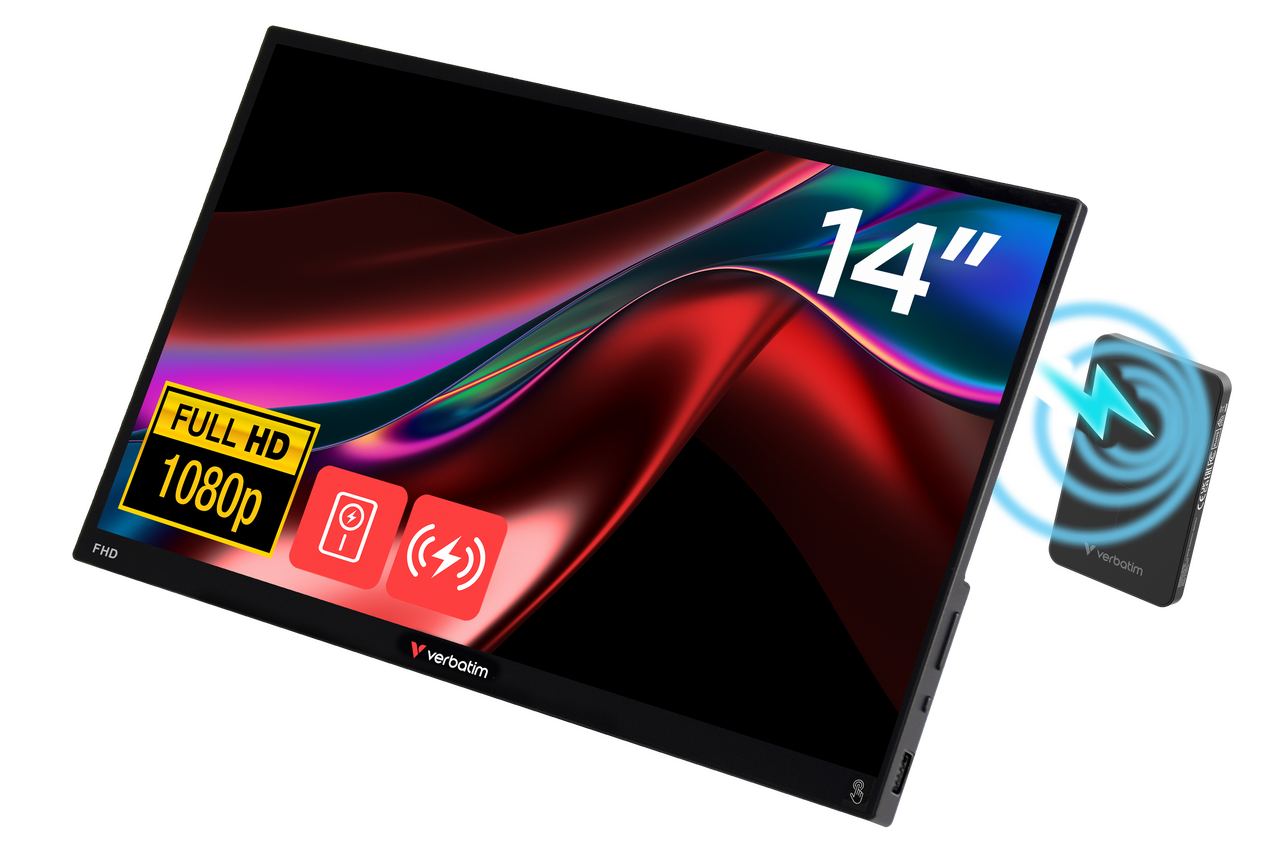
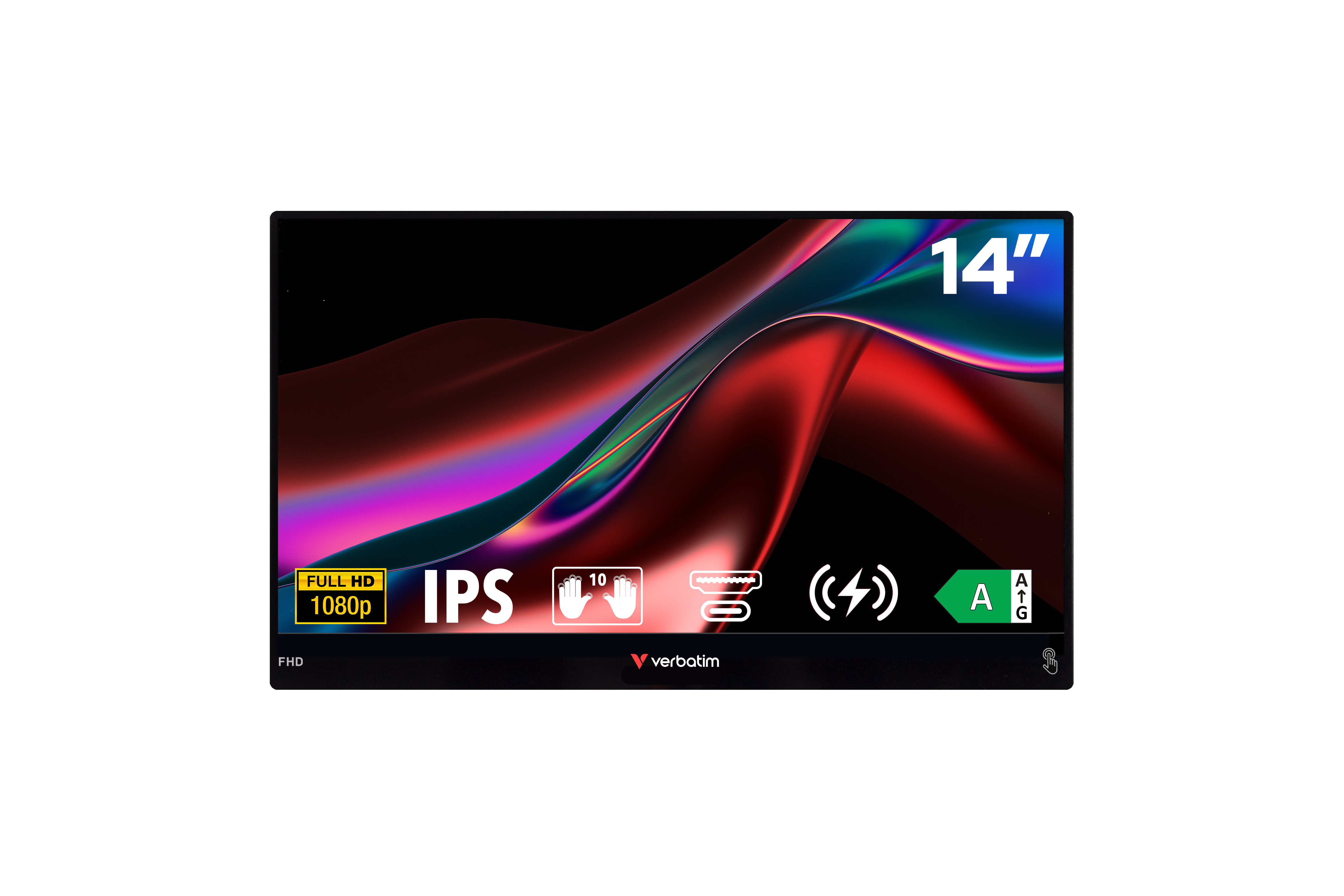
A 14" Full HD (1920 x 1080) touchscreen at just 550g, paired with the same magnetic 5000mAh Charge 'n' Go power bank system as the model above. Plastic housing keeps the weight down and the price accessible.

Best for: Students, remote workers, and frequent travellers who want a larger screen, longer battery life on their primary device, and a lighter bag.

View Product
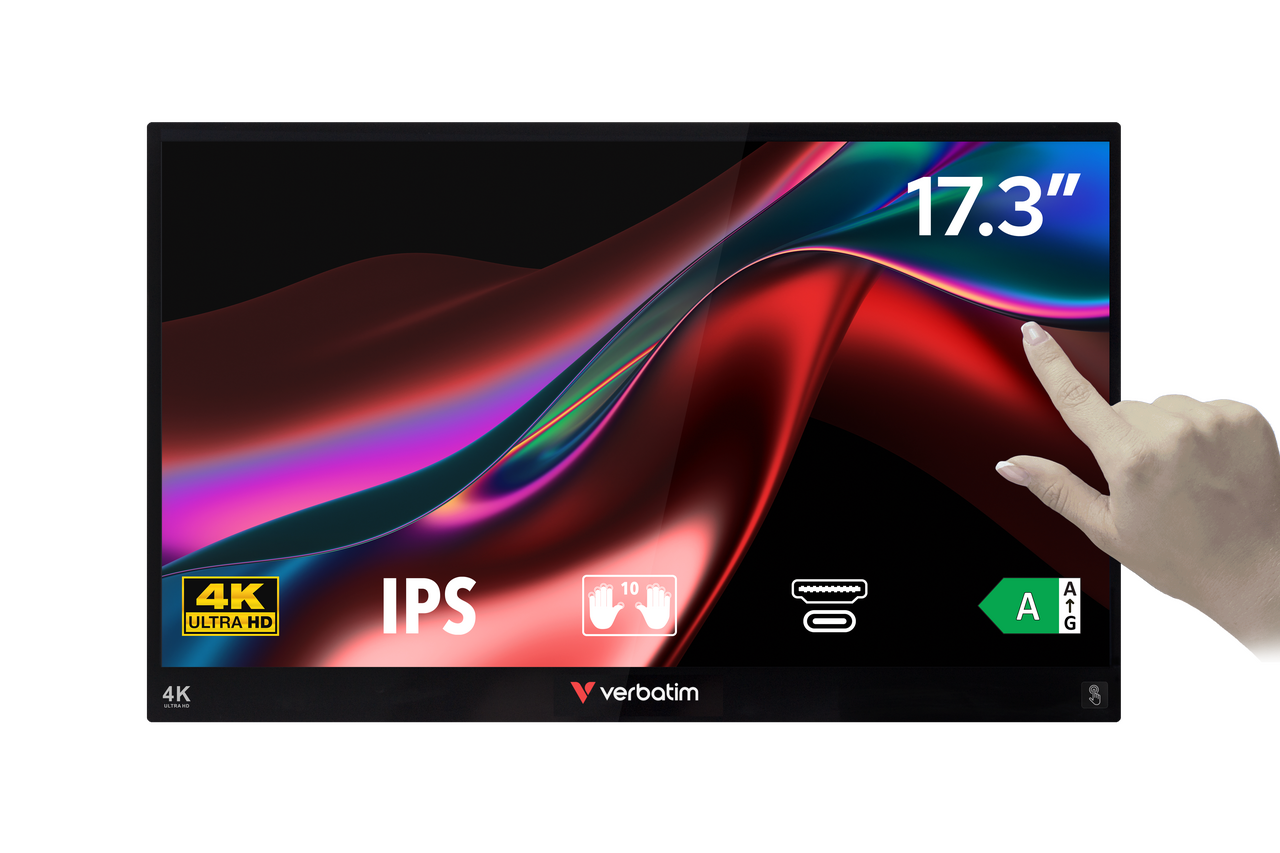
32239 Front Info Bkg Hand

Portable Touchscreen 4K Monitor

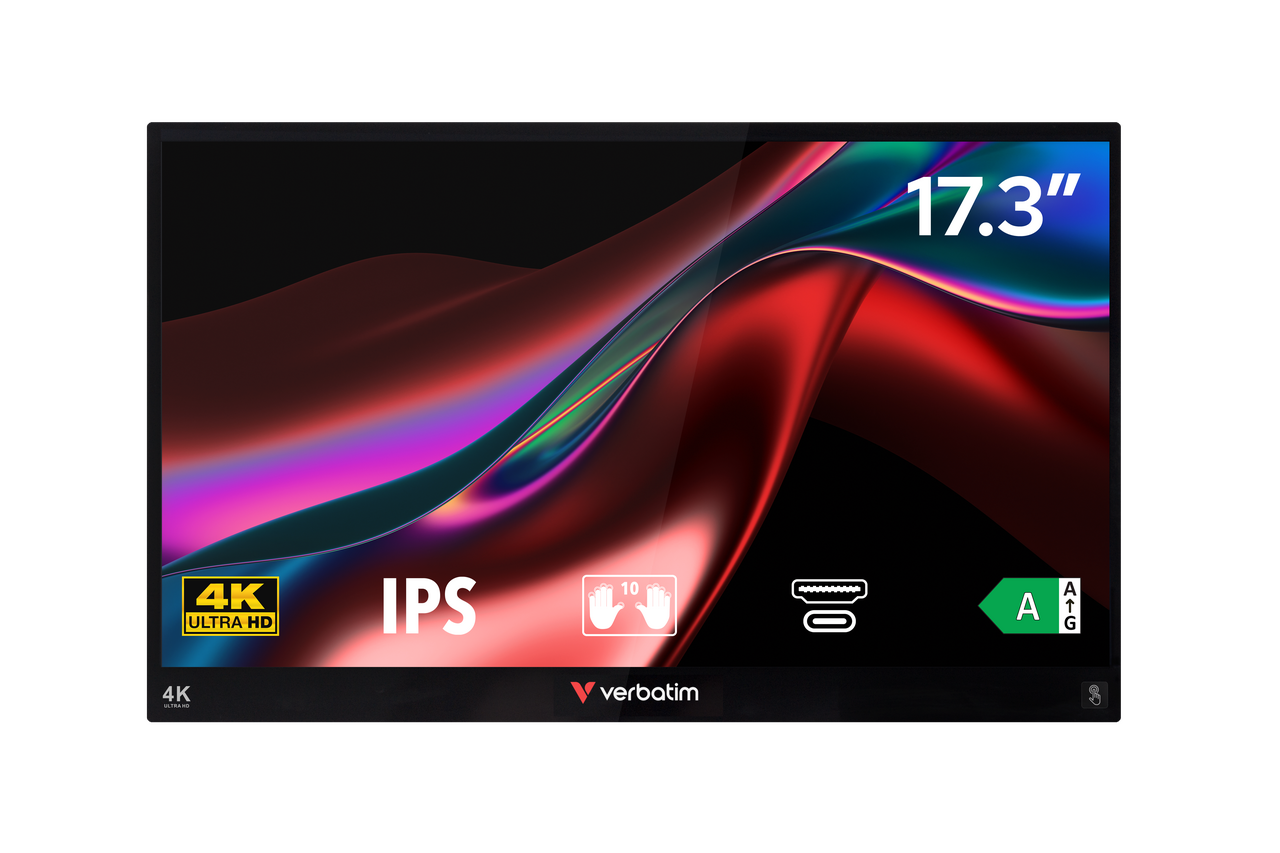
The premium option in the range. A large 17.3" Ultra HD 4K touchscreen with a durable aluminium housing, delivering exceptional image sharpness, colour accuracy, and workspace flexibility. Connect via USB-C or HDMI and enjoy a high-end portable display that feels much closer to a desktop monitor than a typical travel screen.

Best for: Designers, photographers, video editors, and professionals who need maximum screen size, 4K detail, and premium build quality while working away from their desk.

View Product

Comparing Verbatim’s Portable Monitor Range


Screen Size

Physical Size (mm)

Weight (g)

Touch Screen

Frame Type

Wireless Power Supply

Resolution

49590

14"

322 x 205 x 12

540

No

Plastic

No

Full HD 1080p

49591

14"

322 x 194 x 12

990

Yes

Aluminium

No

Full HD 1080p

49592

15.6"

357 x 215 x 12

1180

Yes

Aluminium

No

Full HD 1080p

49593

17.3"

396 x 236 x 13.5

1630

Yes

Aluminium

No

Full HD 1080p

32087

13.3"

300 x 200 x 13

925

Yes

Aluminium

Yes

Full HD 1080p

32088

14"

322 x 205 x 13

550

Yes

Plastic

Yes

Full HD 1080p

32400

14"

321 x 204 x 17

778

Yes

Plastic

No

Full HD 1080p

32401

15.6"

356 x 222 x 17

682

No

Plastic

No

Full HD 1080p

32402

15.6"

356 x 222 x 17

682

Yes

Plastic

No

Full HD 1080p

32403

2 x 15.6"

356 x 223 x 27

1748

No

Plastic

No

Full HD 1080p

32238

15.6"

357 x 215 x 12

1230

Yes

Aluminium

No

4K

32239

17.3"

400 x 248 x 13.5

1640

Yes

Aluminium

No

4K

Verbatim Lifestyle Pictures Shooting May 2025 Portable Monitors 32088 Df 31

How to choose: a practical framework

Ask yourself these questions before buying:


  1. What will I primarily use it for? Document and spreadsheet work: prioritise resolution and screen height (look at 16:10 or WUXGA options). Video calls and streaming: Full HD is fine. Creative and annotation work: get a touchscreen.

  2. What will I connect it to? Laptop with USB-C: most models will work well. Smartphone or gaming console: look for a model with its own power source, like the wireless charging models, since these devices often can't supply enough power on their own.

  3. How much does weight matter? Everyday bag carry: prioritise a lighter model (550g range). Desk-to-desk commuter who drives: weight matters less.

  4. Do I regularly work away from power outlets for long stretches? All Verbatim portable monitors draw their video signal from your connected device, but the standard models also draw their power from it — which shortens your laptop battery life during use. If that's a regular frustration, the wireless charging models include a magnetic power bank that powers the monitor independently, extending how long you can work before your laptop needs a charge.

  5. What's my budget? Verbatim's range runs from €130 to €550. The sweet spot for most users is in the €200 to €400 range, where you get touchscreen, solid resolution, and current features.


Things to know before you set up

A few practical notes to save time:

  • For USB-C connections, the cable matters. A standard phone charging cable won't carry video. You need one rated to at least USB 3.2 Gen 2x1 (10 Gbit/s). All Verbatim portable monitors include the correct cable in the box.

  • iOS and iPadOS devices require a Lightning or USB-C adapter (not included) and do not support touchscreen functionality on these monitors.

  • For the wireless power bank models: press the power button on the bank before use. It can take up to 10 seconds for the wireless connection to establish.

  • No drivers are needed. Connect and the monitor is recognised by Windows, Mac, and Android automatically.

Final thoughts

The portable monitor category has grown up. What used to be a compromise product with small screens and patchy connectivity is now a genuinely capable product category, with options to suit everyday commuters, power users, and people who want the full dual-screen experience without being tied to a desk.

The Verbatim range covers the full spectrum, from the slim and affordable Monitor Light Series up to the wireless charging models that bring their own power to the party to premium 17” 4K resolution.  If you're ready to stop squinting at a single laptop screen, there's an option here that fits how you work.

Portable Monitor Range