
The wait is over. Grand Theft Auto VI has arrived, inviting players into the vast, sun-soaked world of Leonida and a new adventure in Vice City. But before getting behind the wheel and exploring everything the game has to offer, there is one practical consideration for PlayStation™ 5 owners: storage space.
With GTA 6 requiring up to 212GB of available storage for its pre-load, installing the latest blockbuster could mean making some difficult decisions about which games stay on your console. And with modern games, updates and downloadable content taking up increasingly large amounts of space, managing your gaming library has never been more important.
The good news? You don't necessarily need to sacrifice your favourite games to make room. With a few simple storage management steps and the right SSD upgrade, you can create more space while keeping your gaming collection organised and accessible.
Why GTA 6 Makes PS5 Storage More Important Than Ever
Today's console games demand considerably more storage than many players may be used to. High-resolution graphics, detailed environments, extensive soundtracks and regular updates all contribute to increasingly large game installations.
GTA 6 is a particularly good example. With a pre-load requirement of up to 212GB, it represents a significant proportion of the available storage on a standard PS5 console.
Add a collection of other popular titles, saved gameplay footage, downloadable content and updates, and it is easy to see how quickly your available space can disappear.
Rather than deleting games every time you want to install something new, it makes sense to consider a more flexible approach to managing your storage.
1. Start by Checking Your PS5 Storage
Before making any changes, it is worth understanding exactly how your existing storage is being used.
Your PS5 makes it relatively straightforward to identify which games and applications are taking up the most room.
Simply:
Go to Settings from your PS5 home screen.
Select Storage.
Choose Console Storage.
Open Games and Apps to see how much space individual titles are using.
You may be surprised by how much room is occupied by games you haven't played for months, additional content or applications you no longer need.
It is also worth reviewing old gameplay recordings and screenshots. If you regularly capture your best gaming moments, these files can gradually accumulate and take up valuable space.
Once you have identified where your storage is going, you can decide whether to remove unwanted content, move games to another drive or expand your console's storage capacity.
2. Free Up Space Without Losing Your Game Collection
Deleting games is an obvious way to recover storage, but it isn't always the most convenient option.
If you have a large digital library, you probably don't want to download and reinstall games every time you decide to revisit them. This is where an external SSD can make a real difference.
A portable external SSD provides additional space for storing games that you aren't currently playing. Instead of permanently removing them from your collection, you can transfer them to the external drive and copy them back to your PS5 when you're ready to play again.
For PS5 owners, it is important to understand the difference between storage and playing games:
PS5 games: You can store these on a compatible external USB drive, but you must copy them back to the console's internal storage or an installed compatible M.2 SSD before playing.
PS4 games: Compatible titles can be both stored and played directly from external USB storage.
This makes an external SSD a useful option for keeping your gaming library organised, particularly if you regularly switch between different titles.
Take Your Games Further with the Verbatim Pocket SSD
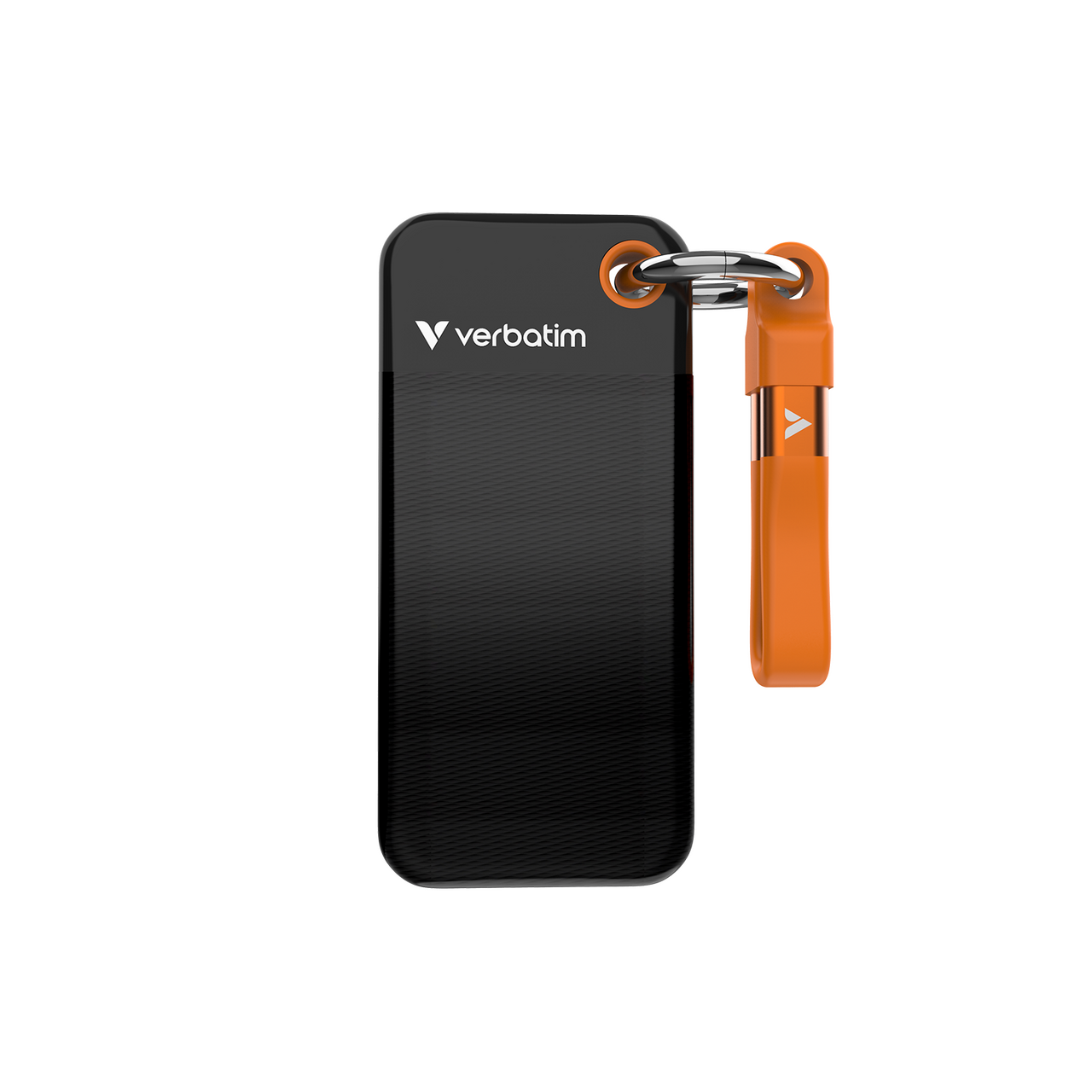
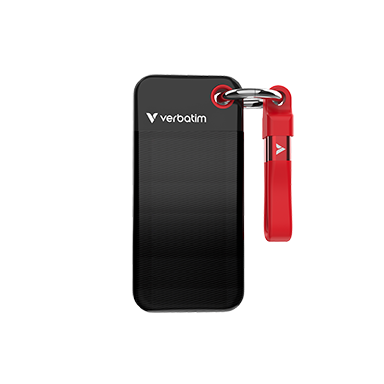
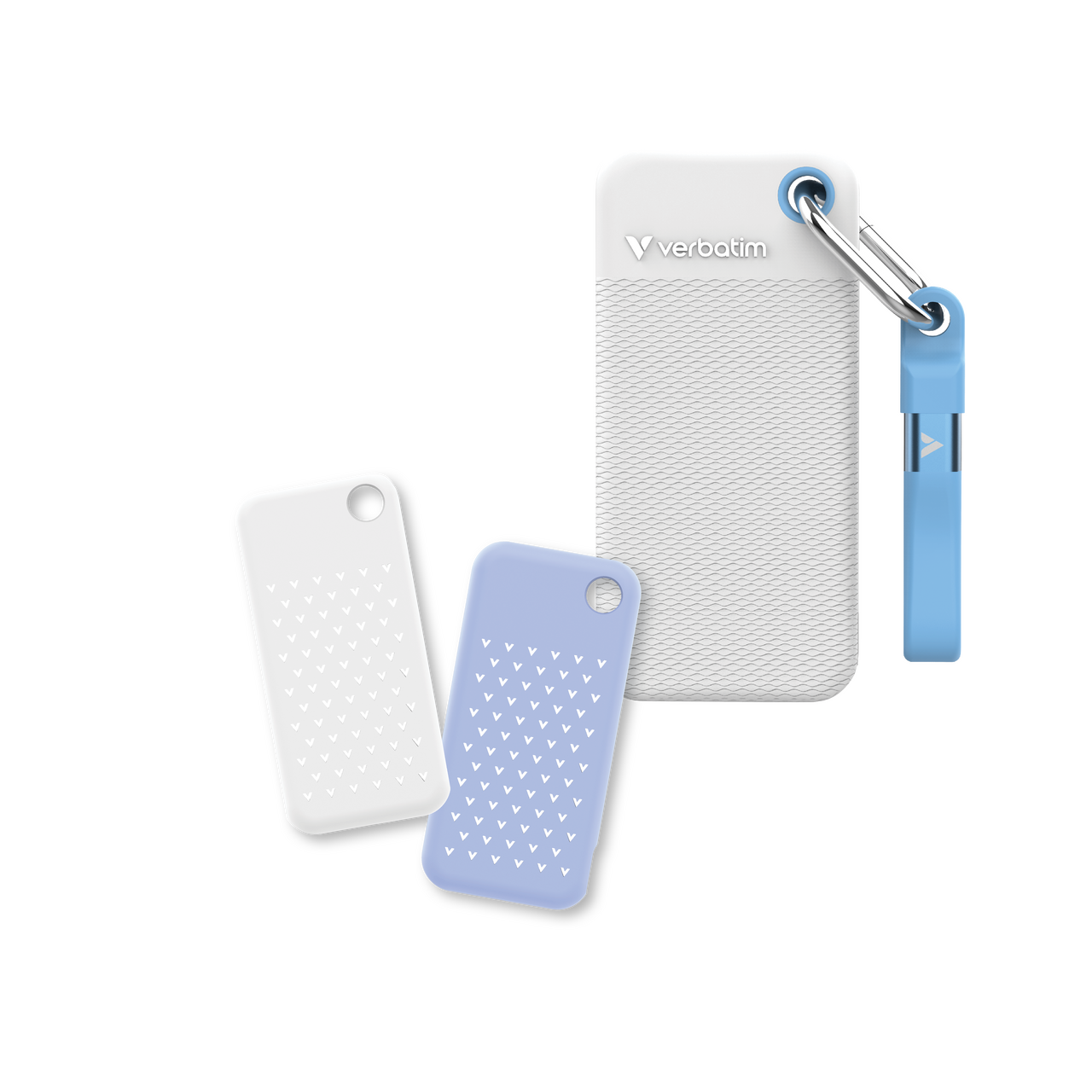
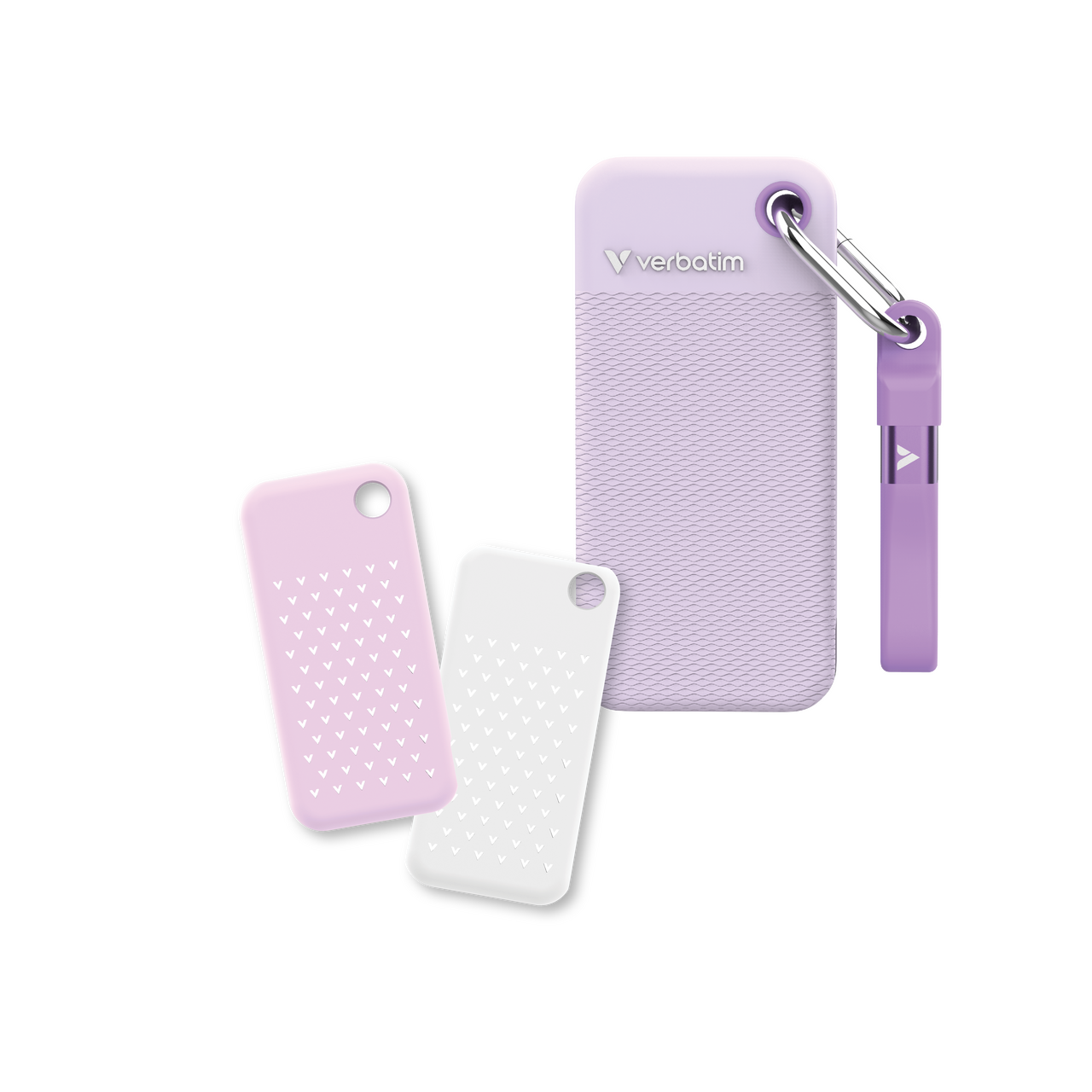
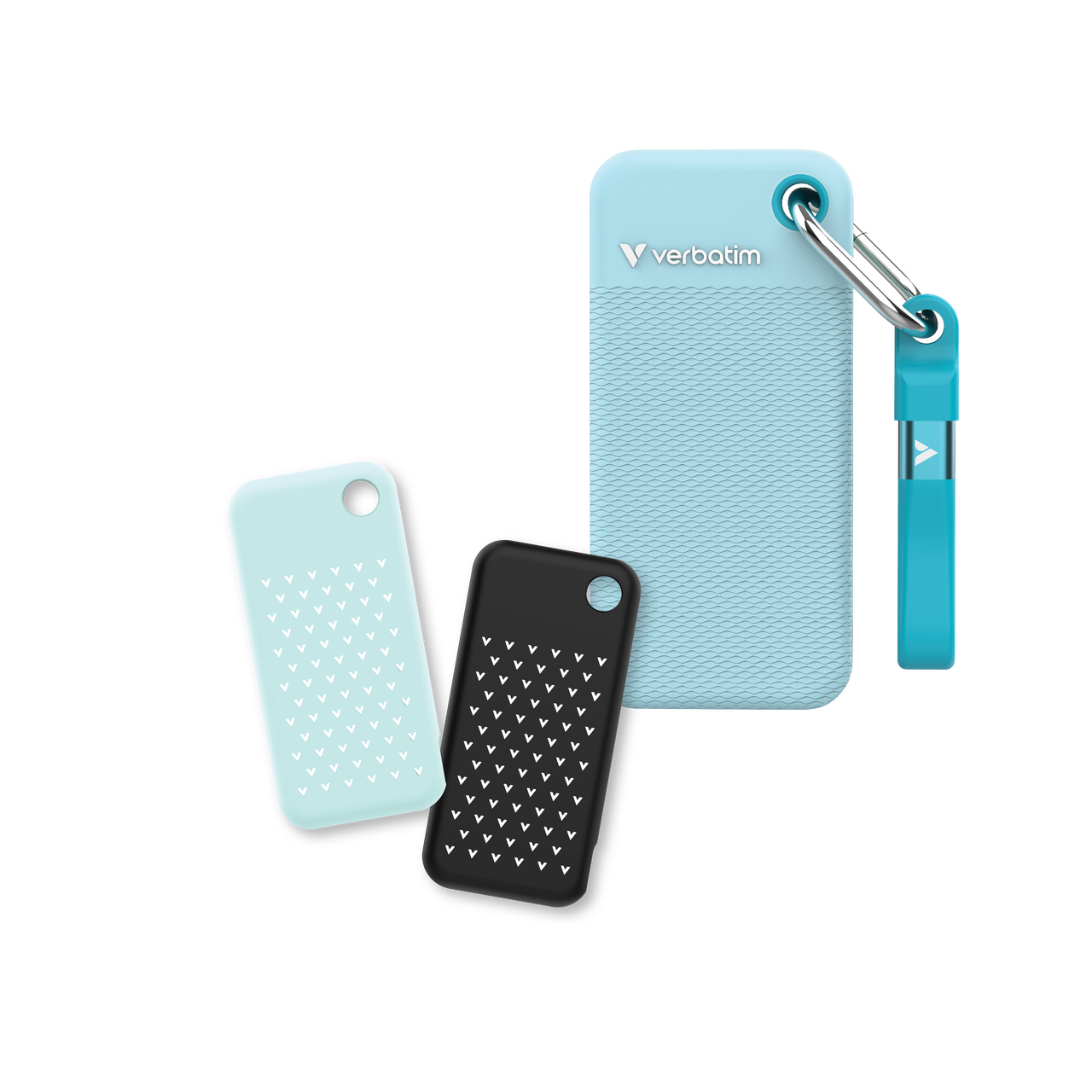
For gamers looking for portable additional storage, the Verbatim Pocket SSD 2TB offers a compact and convenient solution.
With 2TB of capacity, it provides plenty of room for storing games, large files and other digital content. Its USB 3.2 Gen 2 interface supports transfer speeds of up to 10Gbps, with sequential read and write speeds of up to 1,000MB/s.
3. Upgrade Your PS5 with an Internal SSD
If you regularly find yourself running out of space, an internal SSD upgrade could be the better long-term solution.
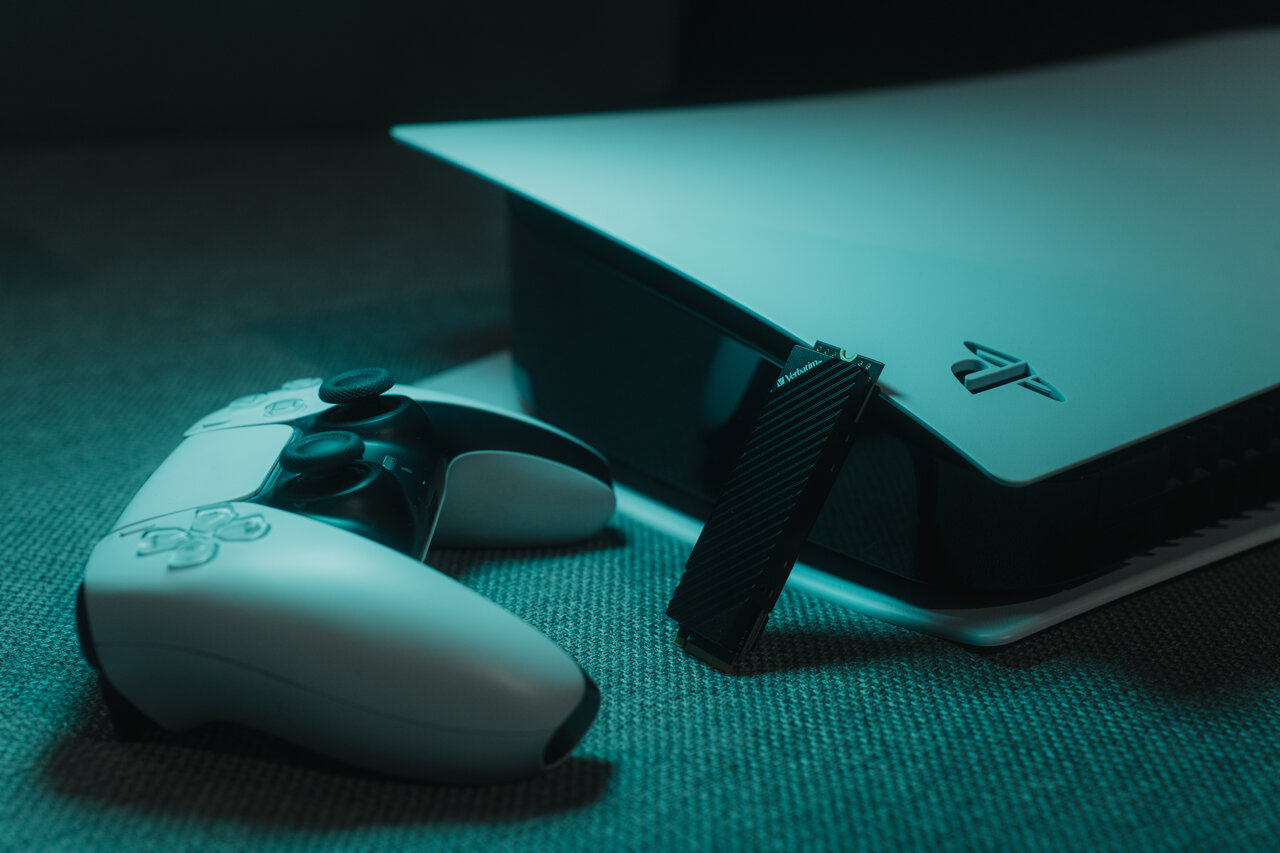
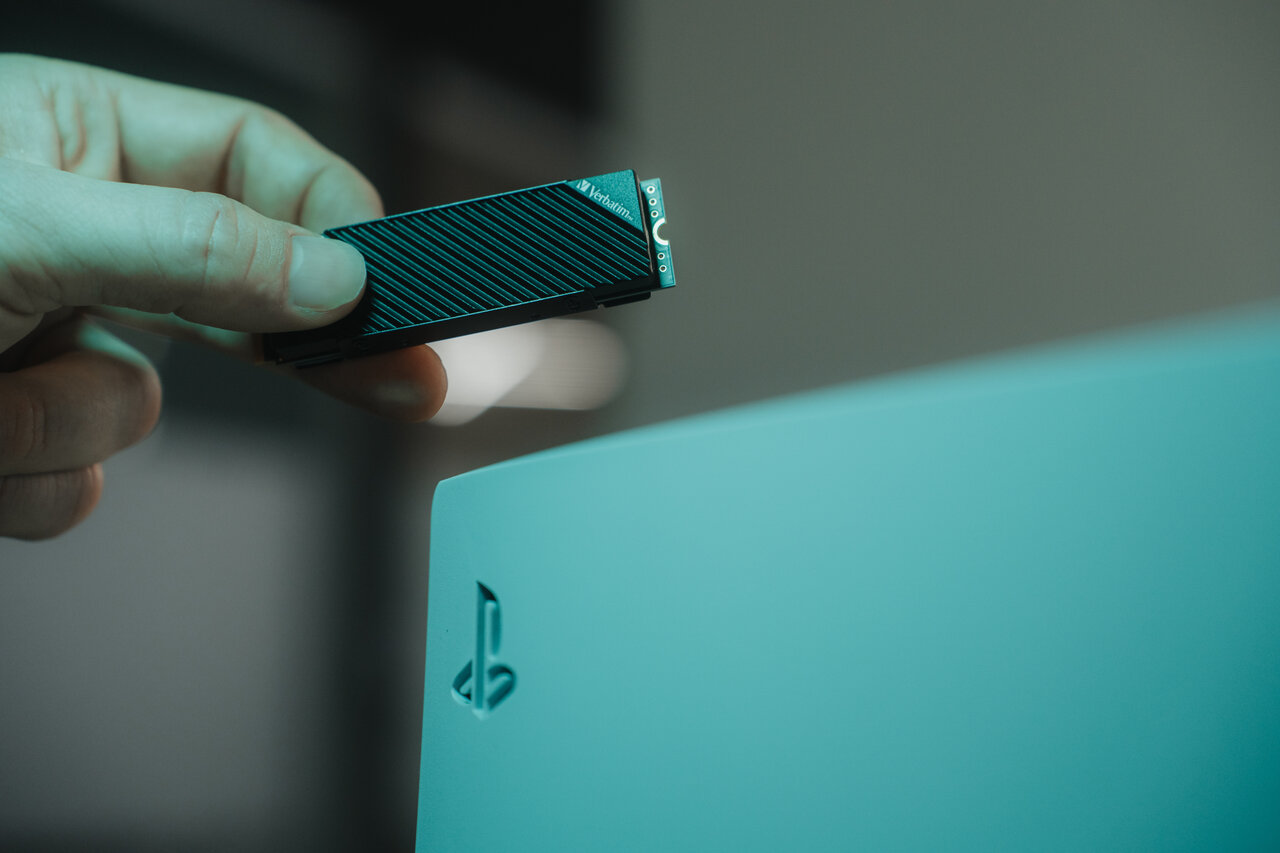
The PlayStation™ 5 supports compatible M.2 NVMe SSDs, allowing you to expand your console's storage capacity without relying solely on its built-in drive.
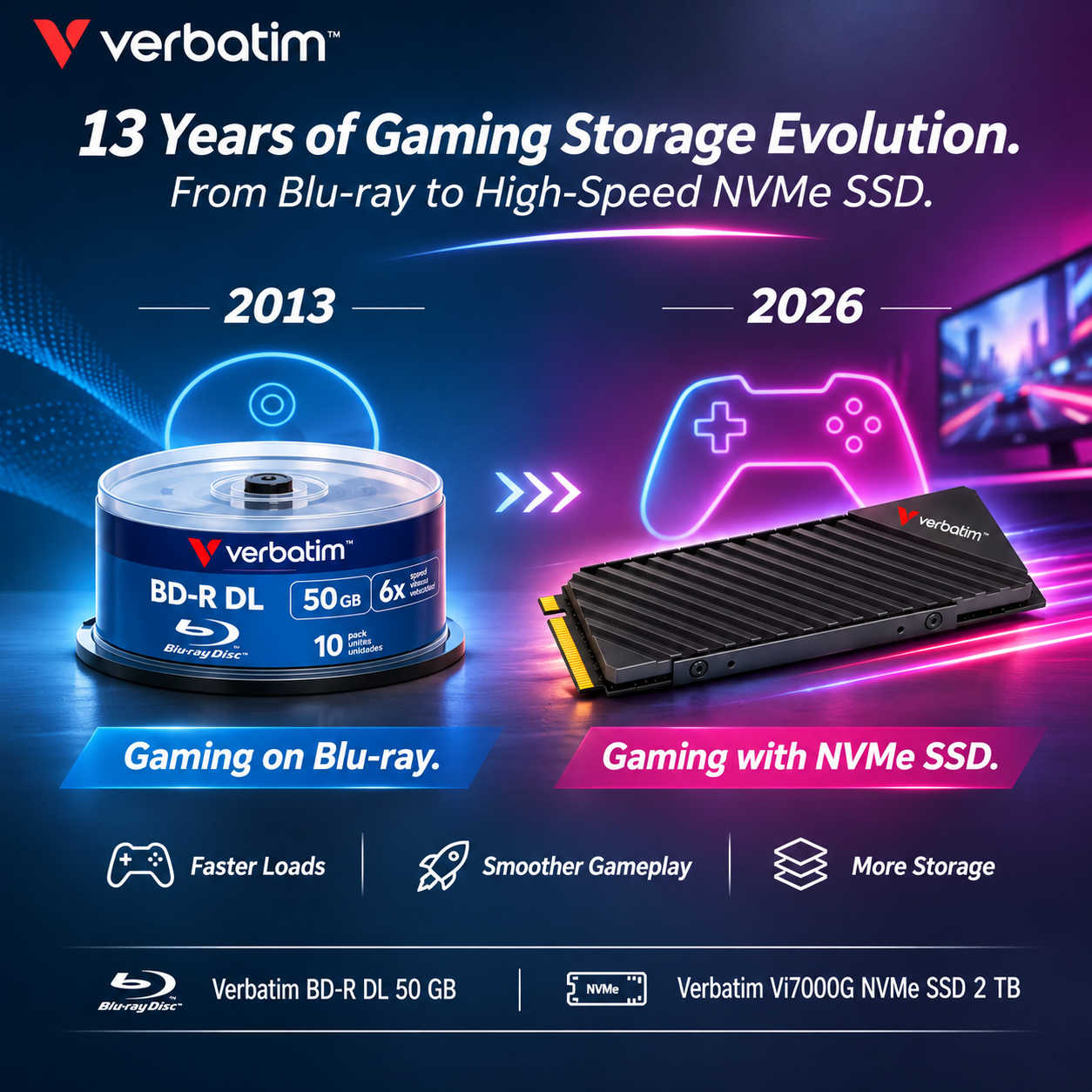
Unlike an external USB drive, a compatible internal M.2 SSD allows you to install and play PS5 games directly from the additional storage. This means you can keep more of your favourite titles installed and ready to launch.
For gamers who want to maintain a substantial collection of games without constantly transferring files, this can be a particularly useful upgrade.
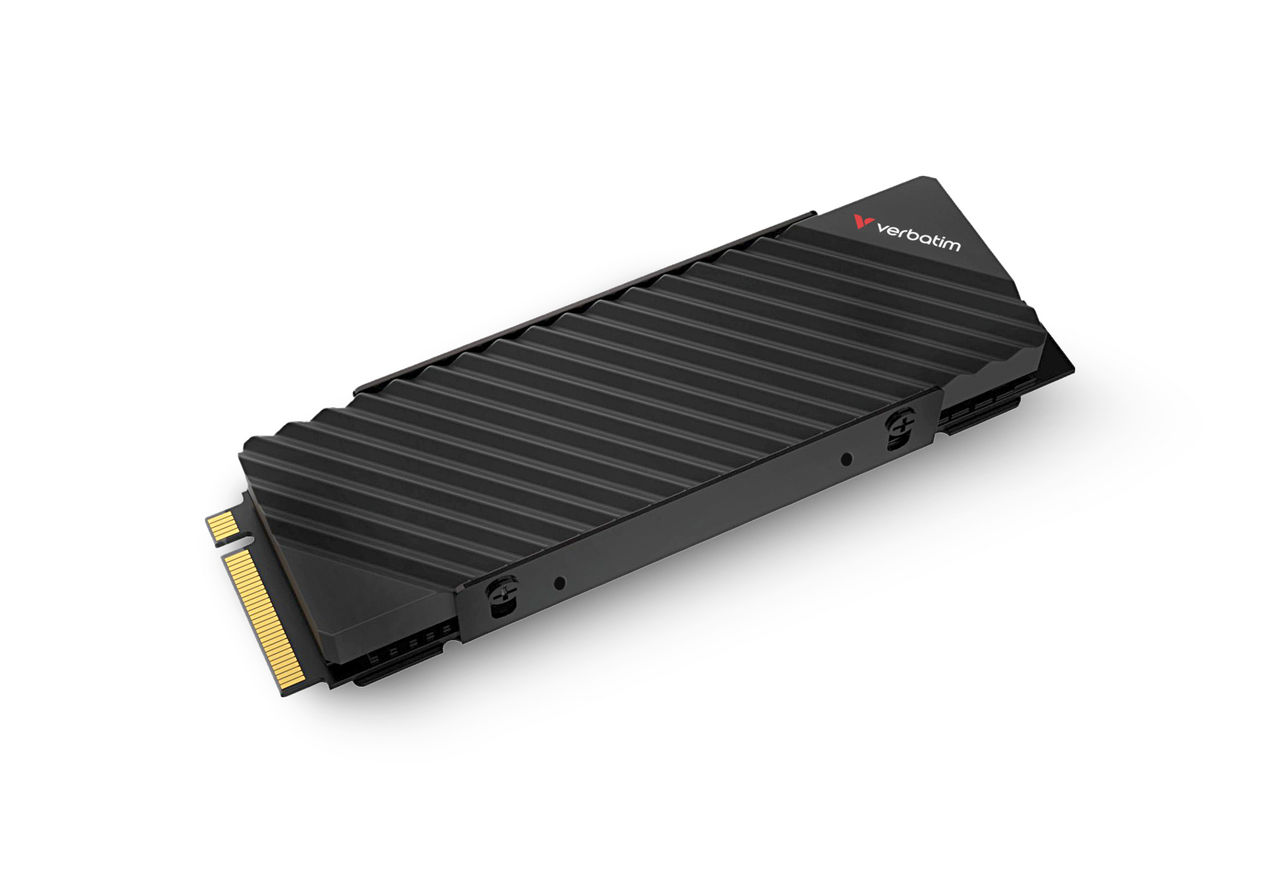
Expand Your Gaming Potential with the Verbatim Vi7000G 2TB SSD
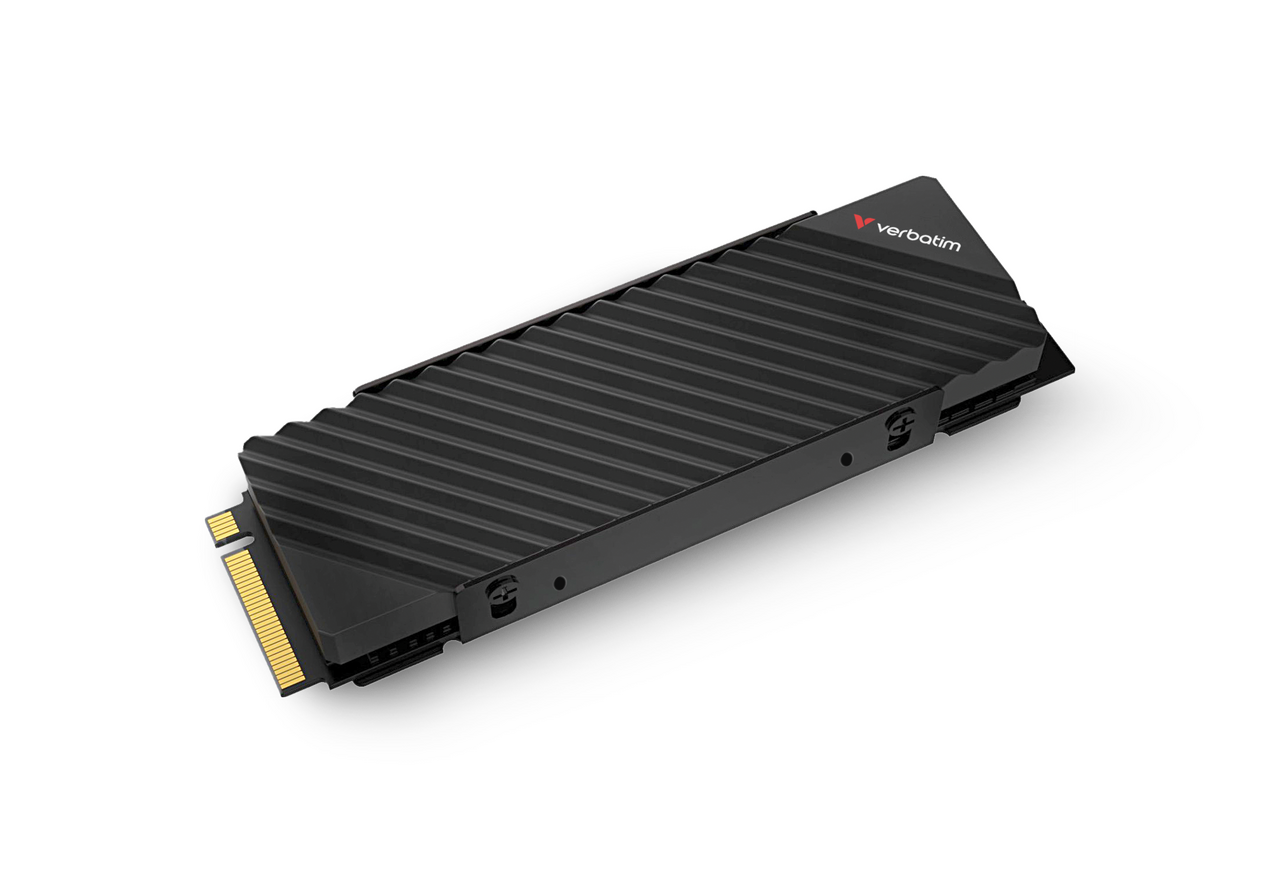
The Verbatim Vi7000G PCIe NVMe M.2 SSD 1TB or 2TB is designed with gaming performance in mind and is compatible with PlayStation™ 5 consoles.
Using PCIe Gen 4 technology, the Vi7000G offers:
1TB or 2TB storage capacity to accommodate more games, applications and files.
Read speeds of up to 7,000MB/s for fast data access.
Write speeds of up to 6,500MB/s for demanding applications and file transfers.
Integrated heatsink to help manage temperatures during operation.
DRAM cache for enhanced performance.
Its M.2 2280 form factor and integrated heatsink make it suitable for compatible PS5 installations, subject to Sony's installation and compatibility requirements.
By adding a Verbatim Vi7000G SSD, you can increase the amount of storage available on your console and keep more of your gaming library installed and accessible.
4. Which Storage Upgrade Is Right for You?
Choosing between an internal SSD and an external SSD comes down to how you use your console and what you want to achieve.
An internal M.2 SSD is ideal if you want to expand your PS5's playable storage. You can install games on the additional drive and launch compatible PS5 titles directly from it.
An external SSD is a convenient option if you want to store games that you aren't currently playing, freeing up space on your console without permanently deleting them.
Both solutions have their advantages, and some gamers may find that using both offers the greatest flexibility.
An internal SSD can keep frequently played titles ready to launch, while an external SSD provides additional space for games you want to keep in your collection but don't need installed for immediate play.
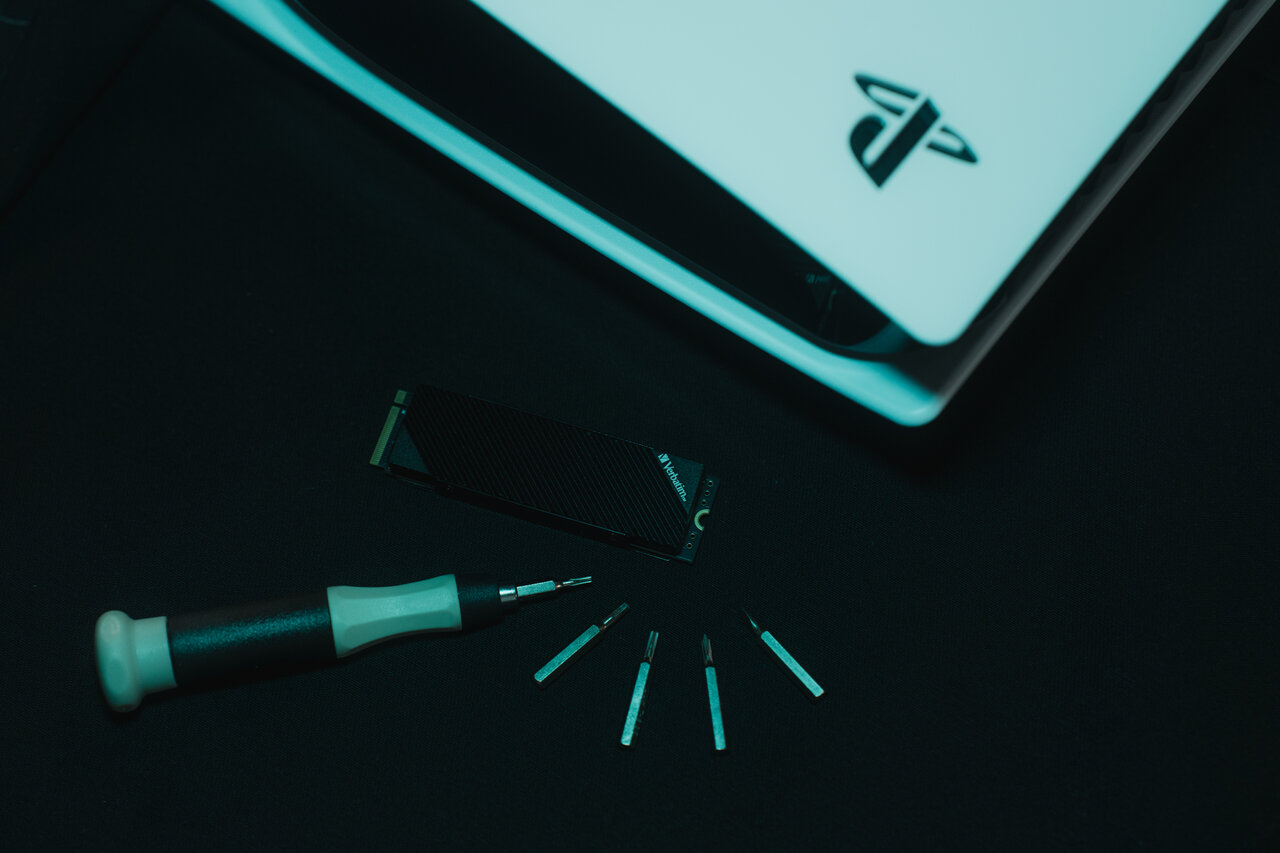
5. Get Your PS5 Ready for Your Next Gaming Adventure
GTA 6 is just one example of how modern gaming is making storage increasingly important. As game worlds become more detailed and digital libraries continue to grow, having enough space for the titles you love is becoming an essential part of the gaming experience.
Whether you're looking to expand your PS5's internal storage with a high-performance M.2 SSD or want the convenience of a portable external drive, Verbatim offers storage solutions designed to help you make more room for gaming.
Don't let a full hard drive stand between you and your next adventure. Make space, upgrade your storage and get ready to explore everything GTA 6 has to offer.
Explore Verbatim's SSD range and find the right storage solution for your gaming setup.

“PlayStation” and “PS5” are registered trademarks or trademarks of Sony Interactive Entertainment Inc.